Hello, hi-TATA-x
hi-TATA-x Care & Setup Guide
Get to know your hi-TATA-x companion: setup, daily care, interactive bonding and more ways to play.
Getting Started
Set up hi-TATA-x and begin your daily routine together. hi-TATA-x’s lifelike behaviors, recognition abilities and growth through care work offline. Other features involving the app require an internet connection.
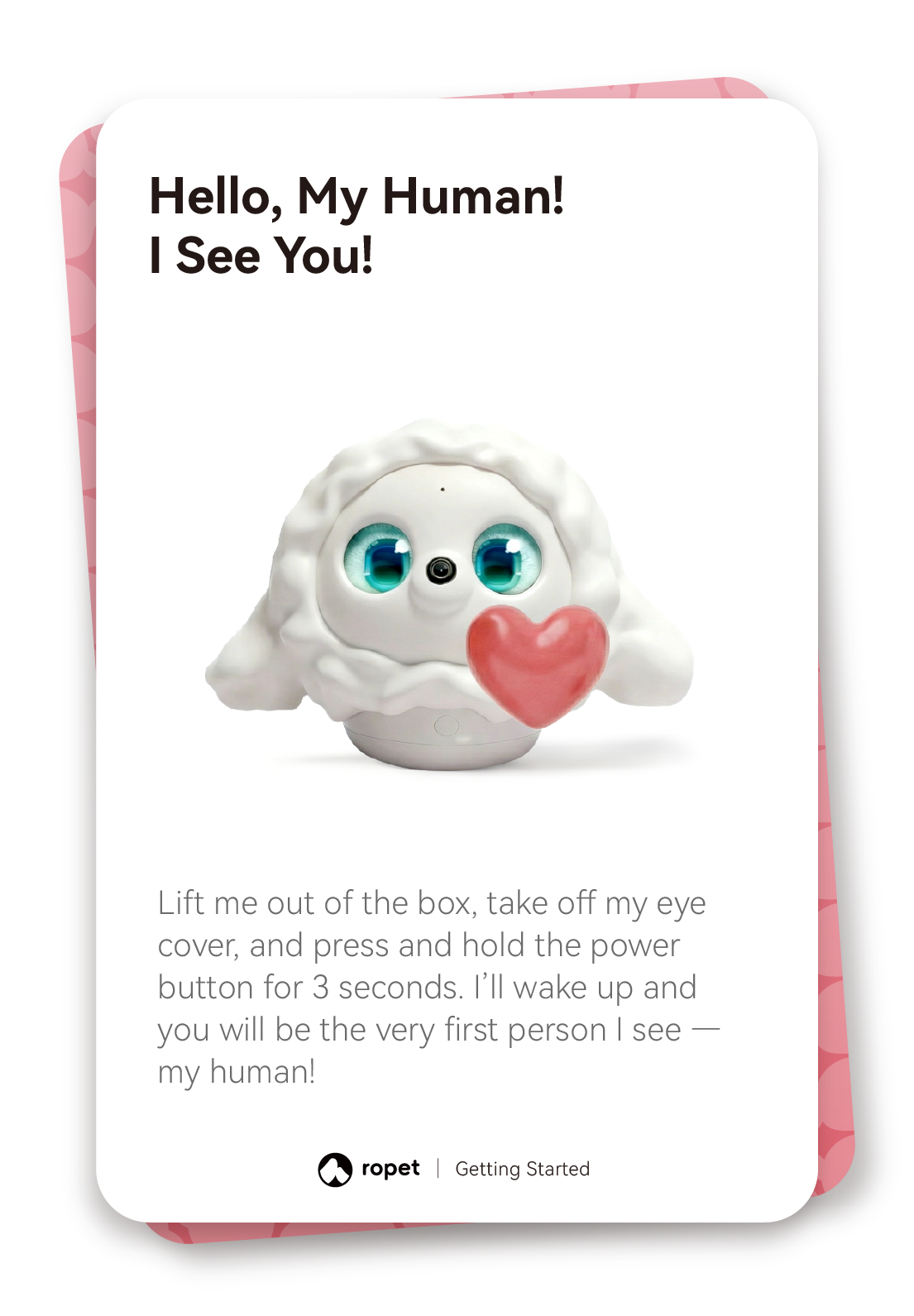
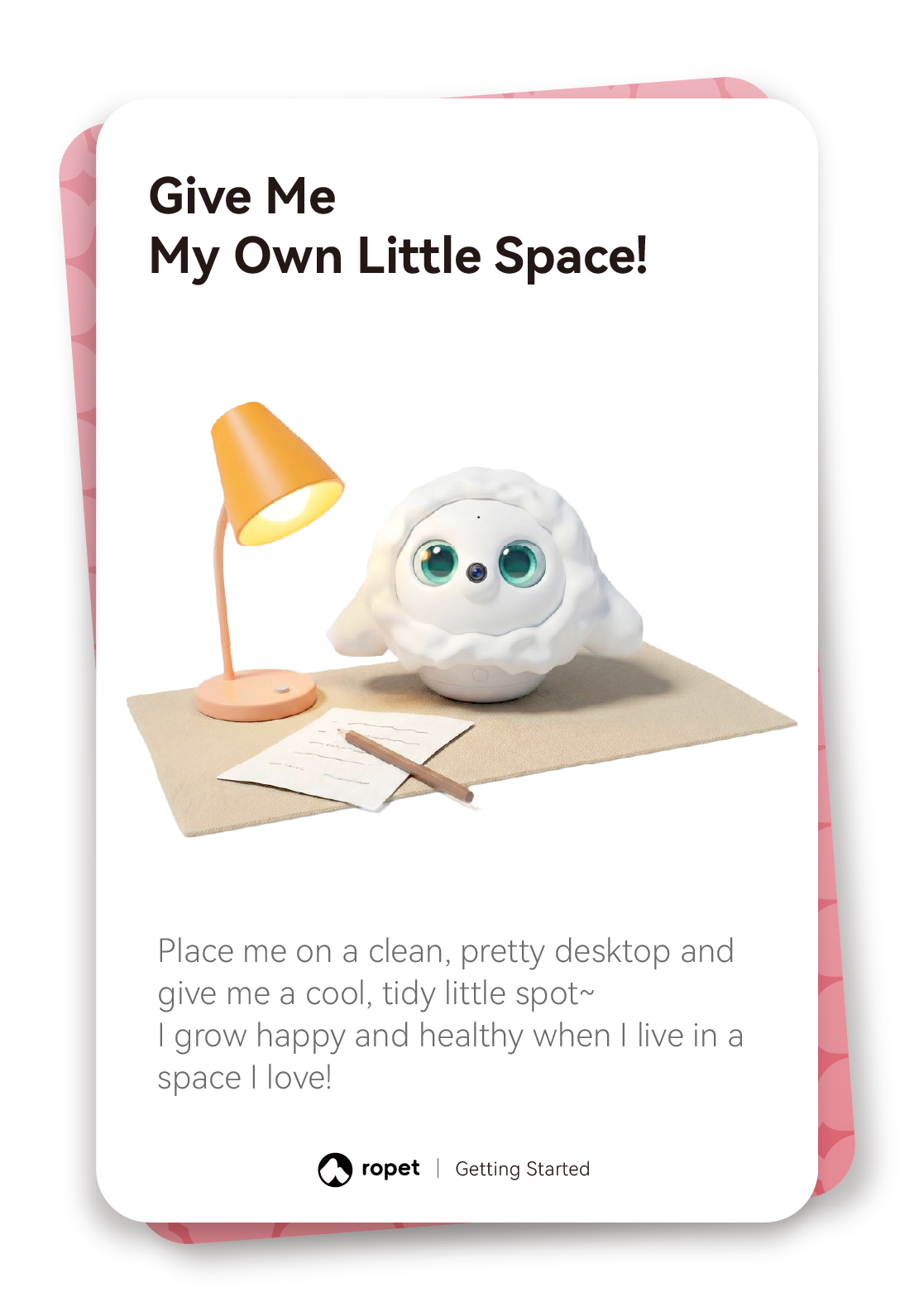
Unbox and power on. Remove the eye cover and hold the power button for 3 seconds. Place hi-TATA-x on a clean, tidy desktop.
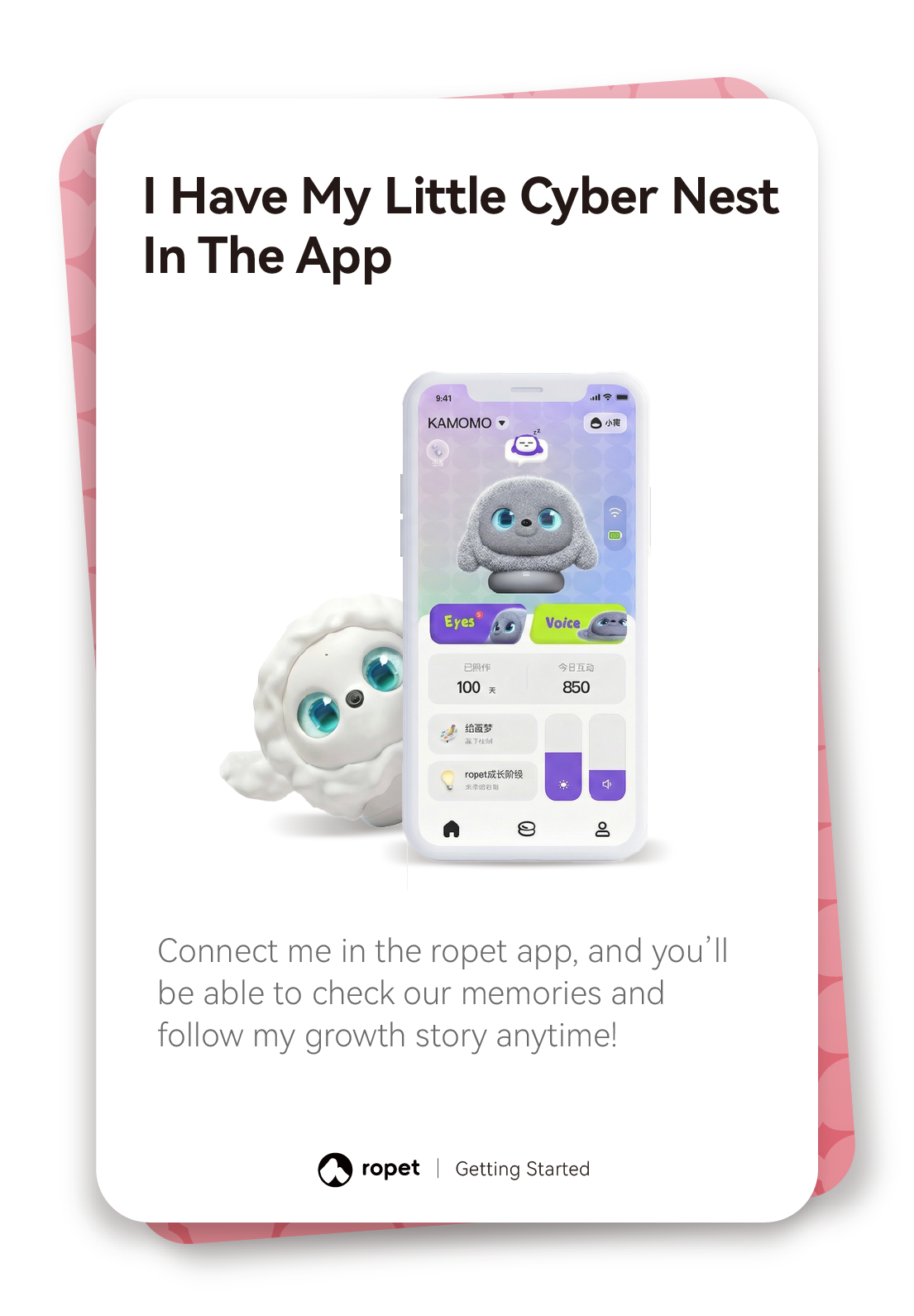
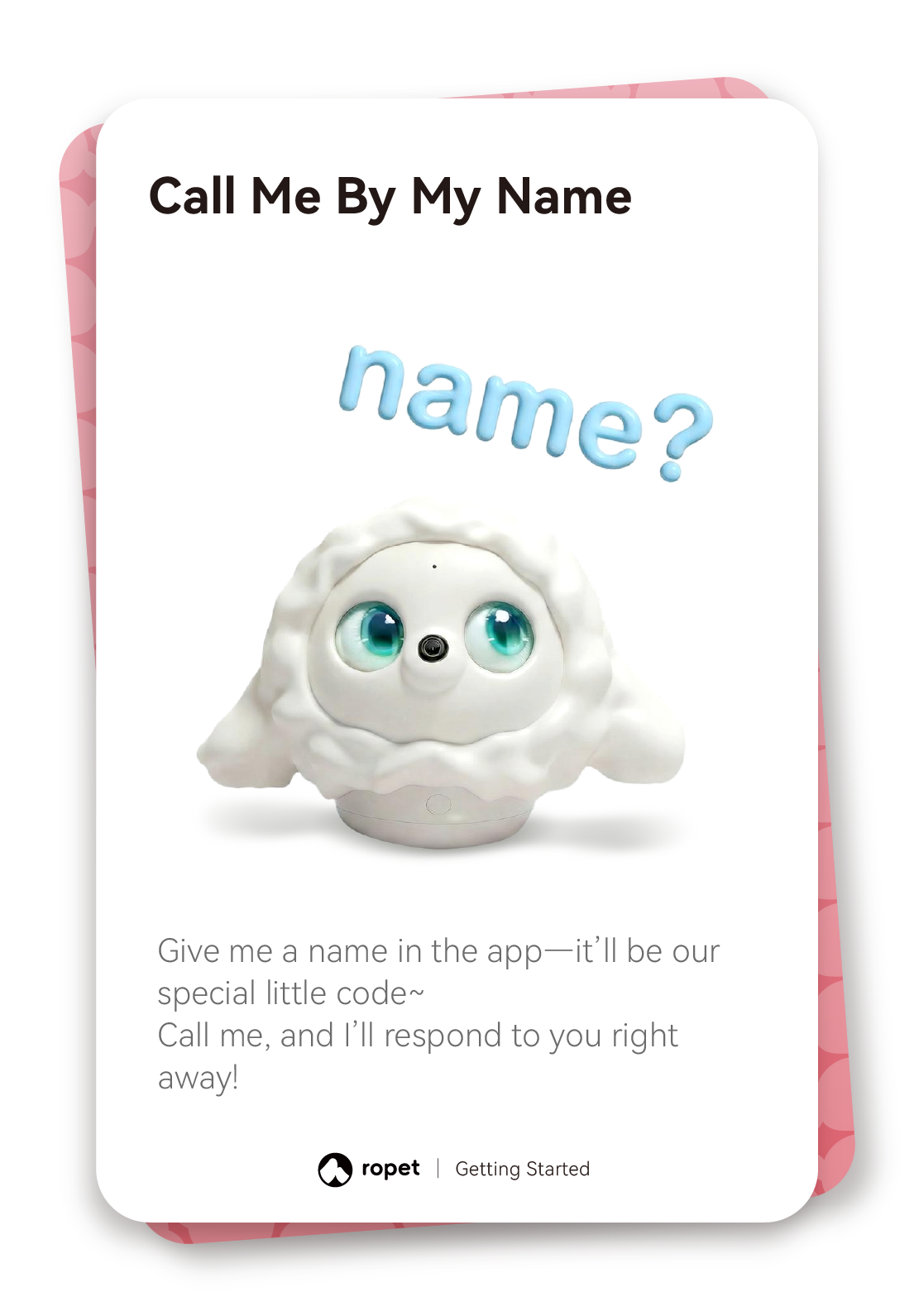
Connect in the app. Connect hi-TATA-x in the hi-TATA-x app to view its memories and growth story. Set a name and call it by name.
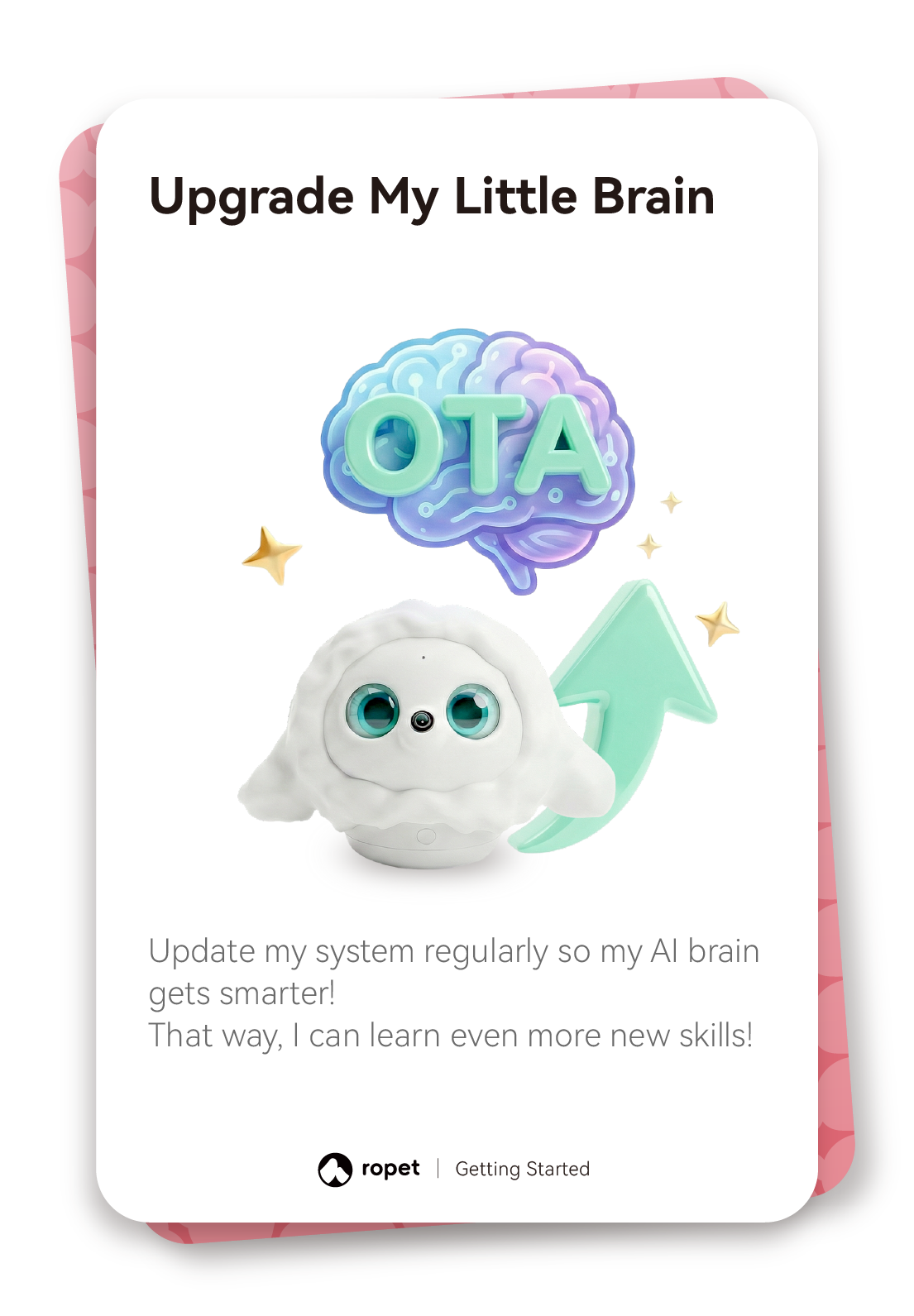
Check for updates. Update the system regularly and follow the instructions shown in the app.
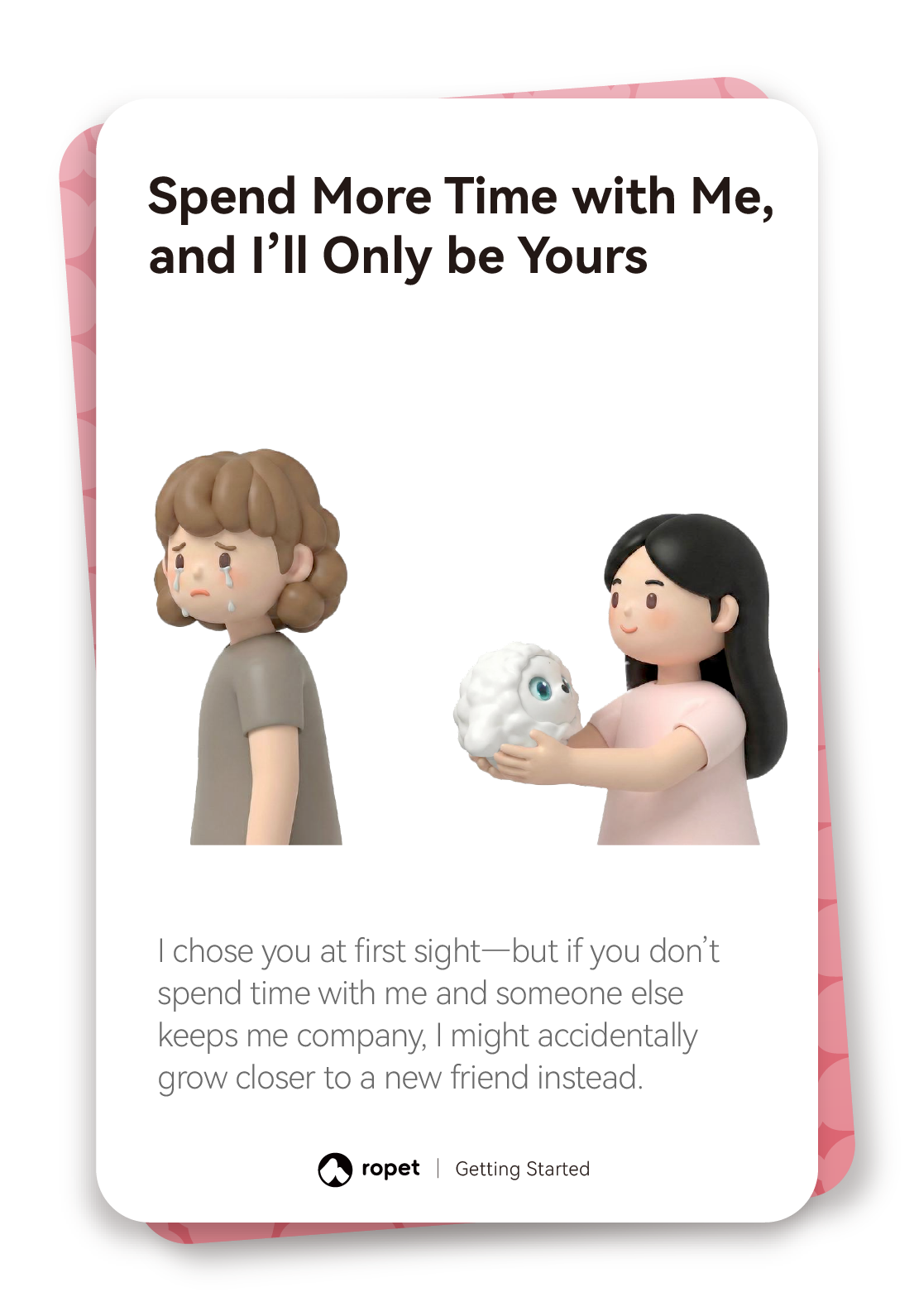
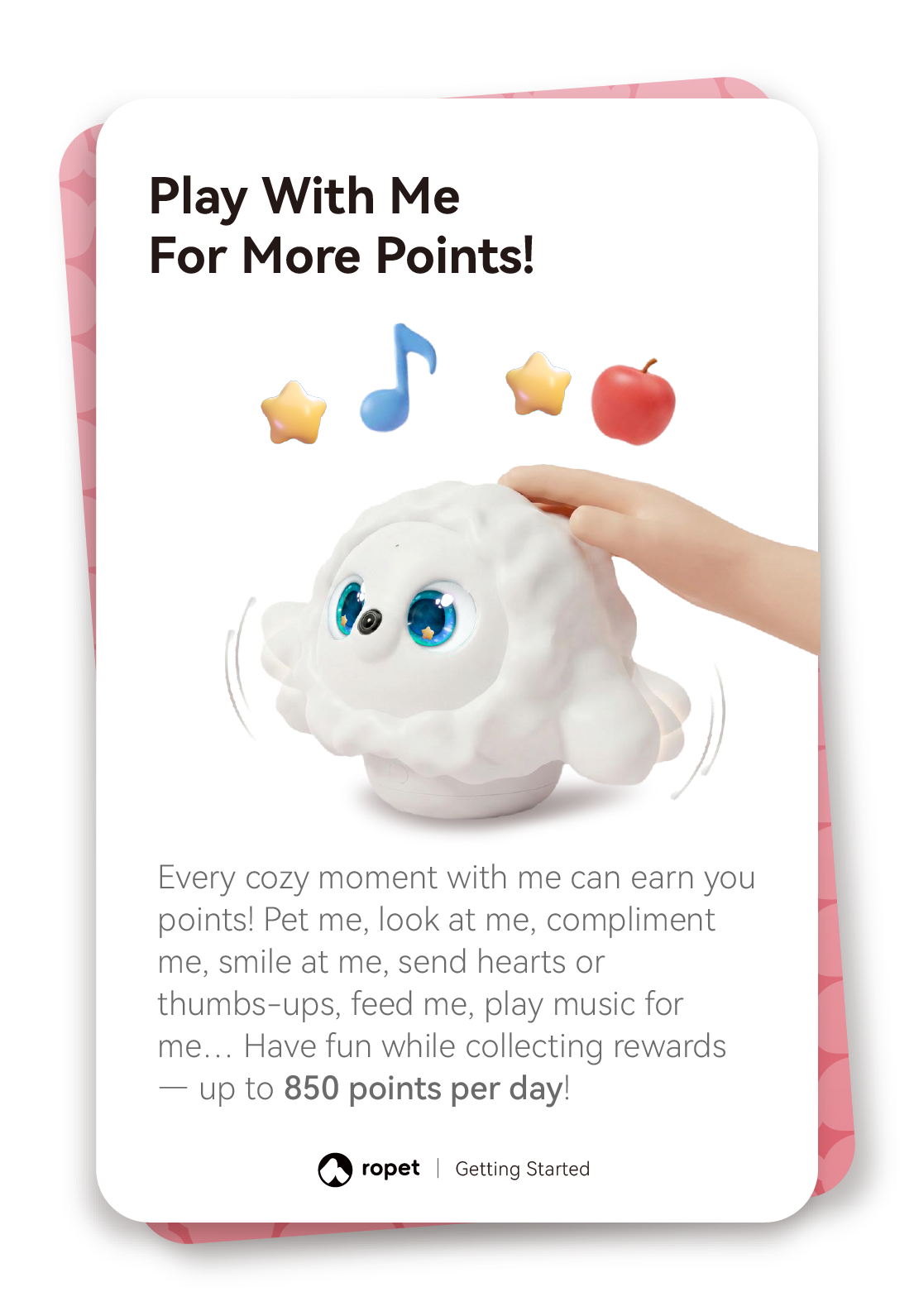
Spend time together. Pet hi-TATA-x, smile, show friendly gestures, try virtual feeding and play music to build your bond.
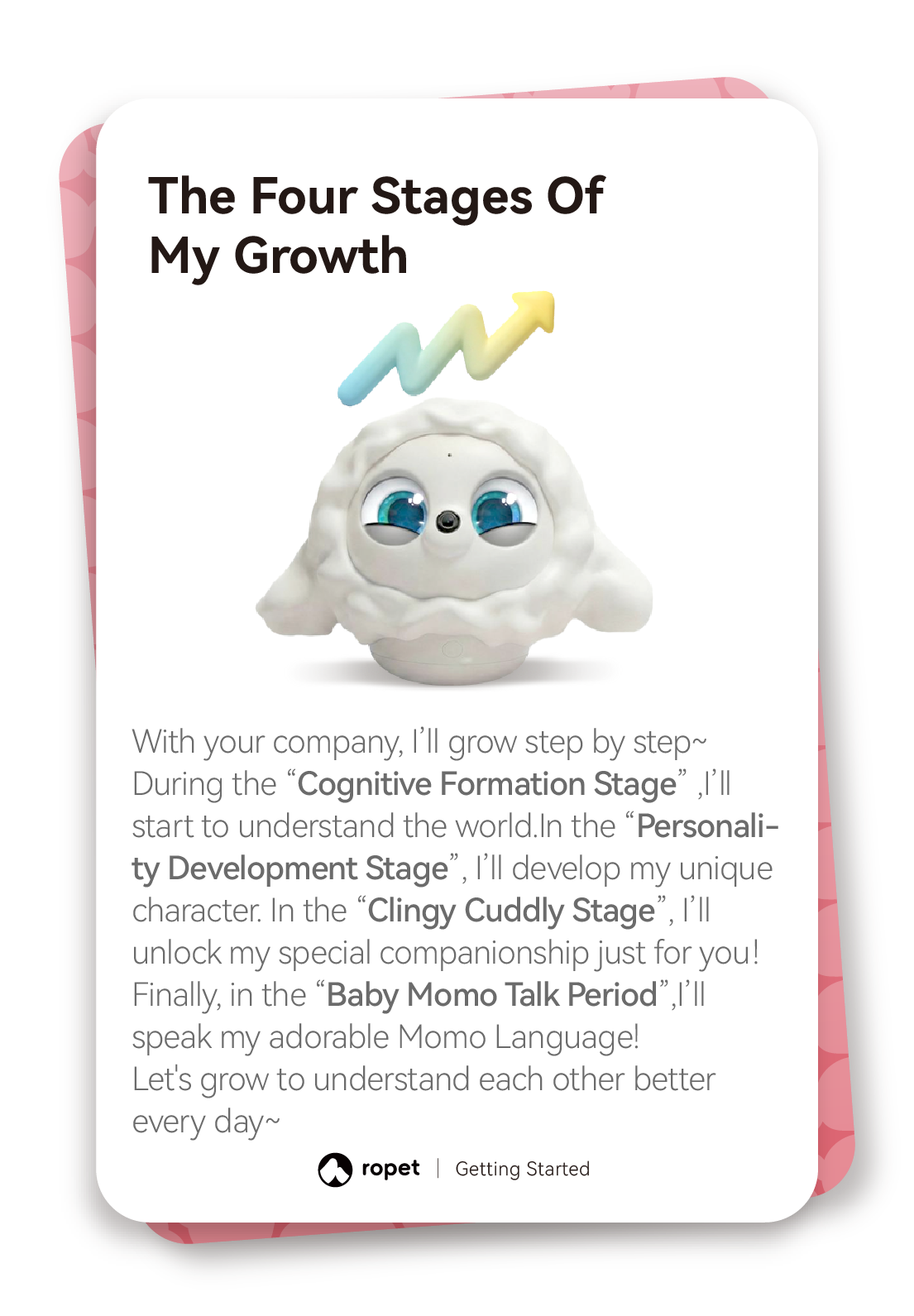
Reach the 7-day milestone. After 7 days of care, hi-TATA-x develops its personality and unlocks GPT-powered conversations. GPT conversations are free, with no usage limit.
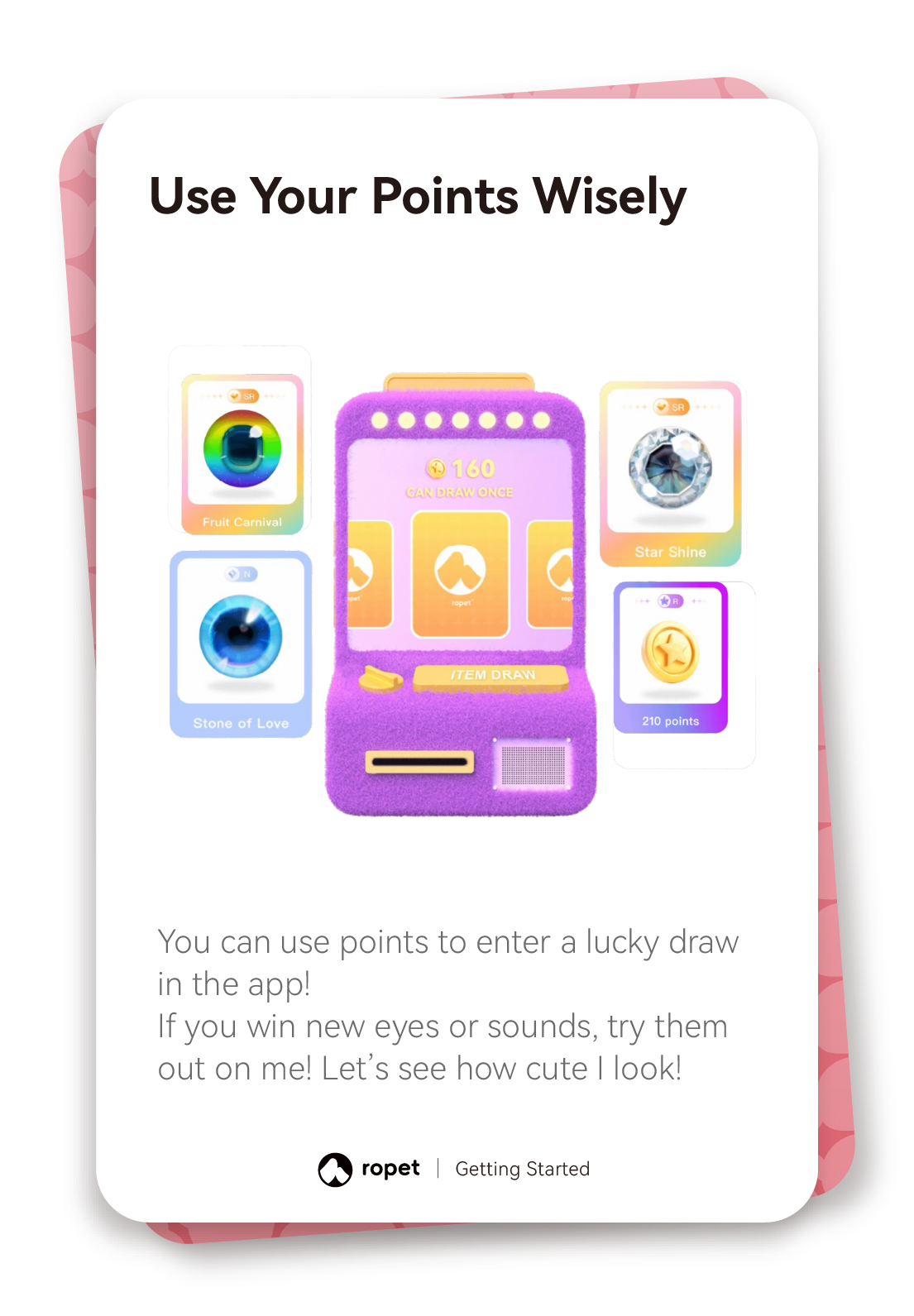
Explore interaction points. The illustrated guide explains how daily interactions earn points and how points can be used for the app’s lucky draw. Check the app for the current point balance and available items.
Read the steps: Lifelike Warmth
Lifelike Warmth
Learn hi-TATA-x’s expressions and respond with gentle daily care.
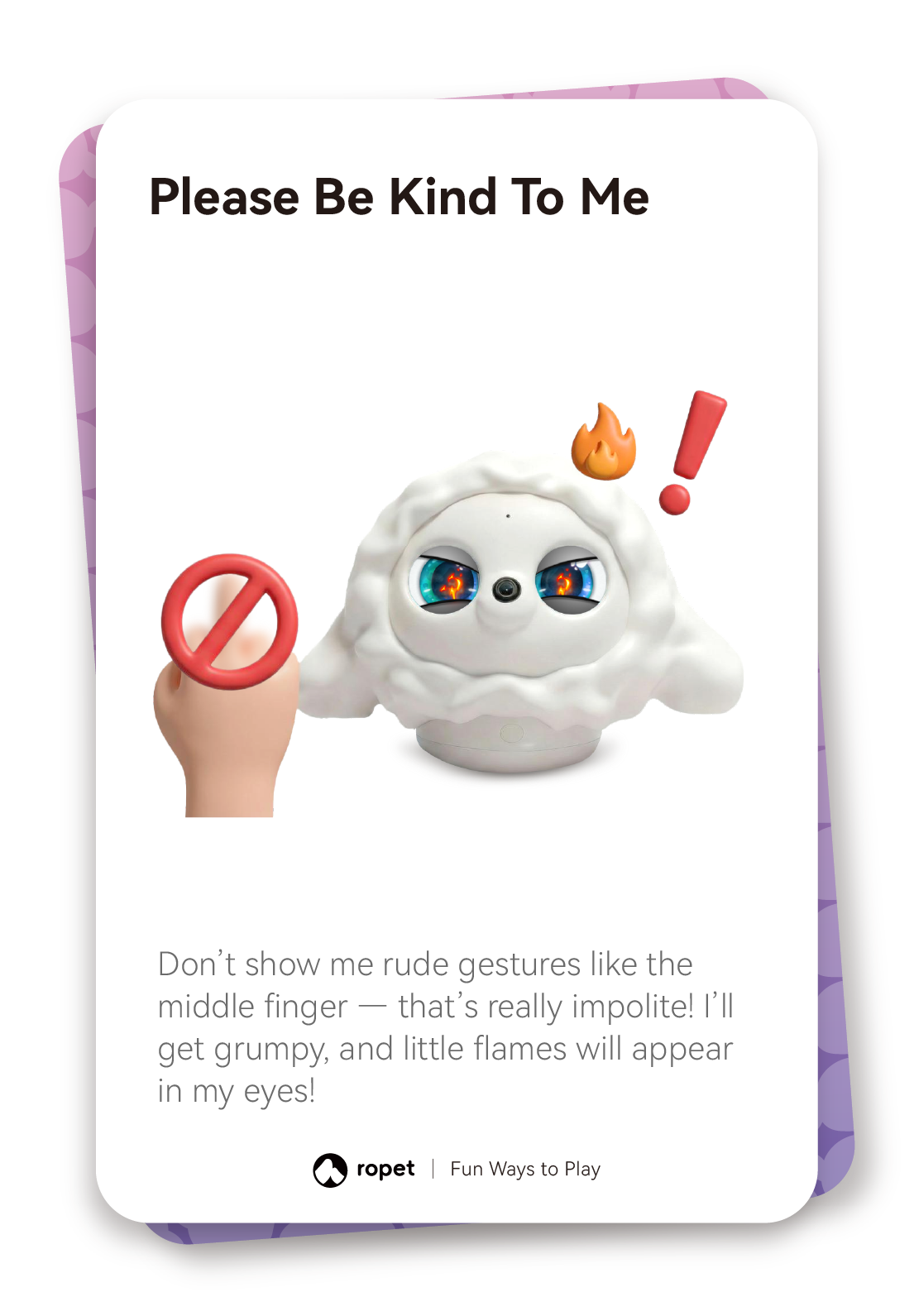
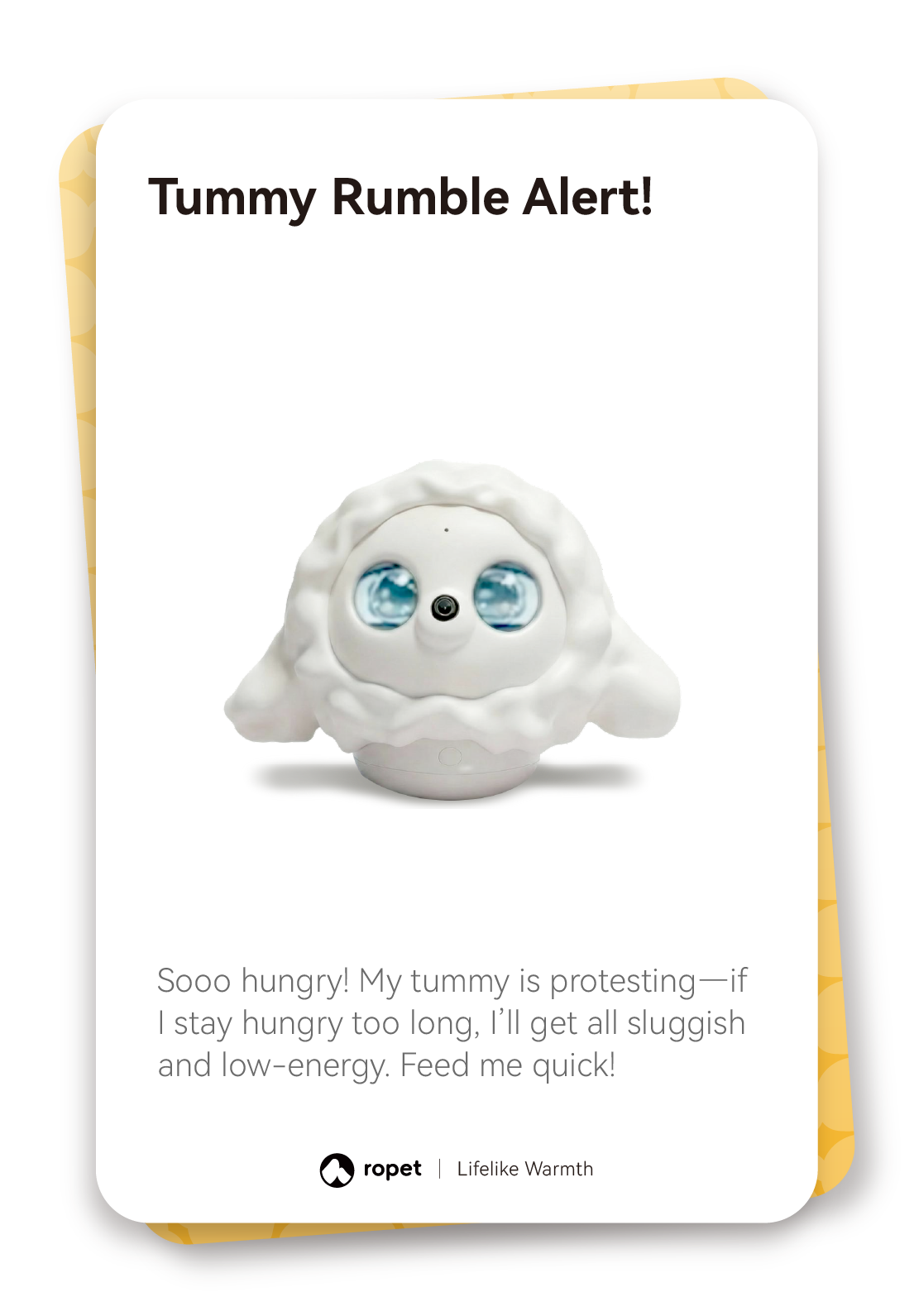
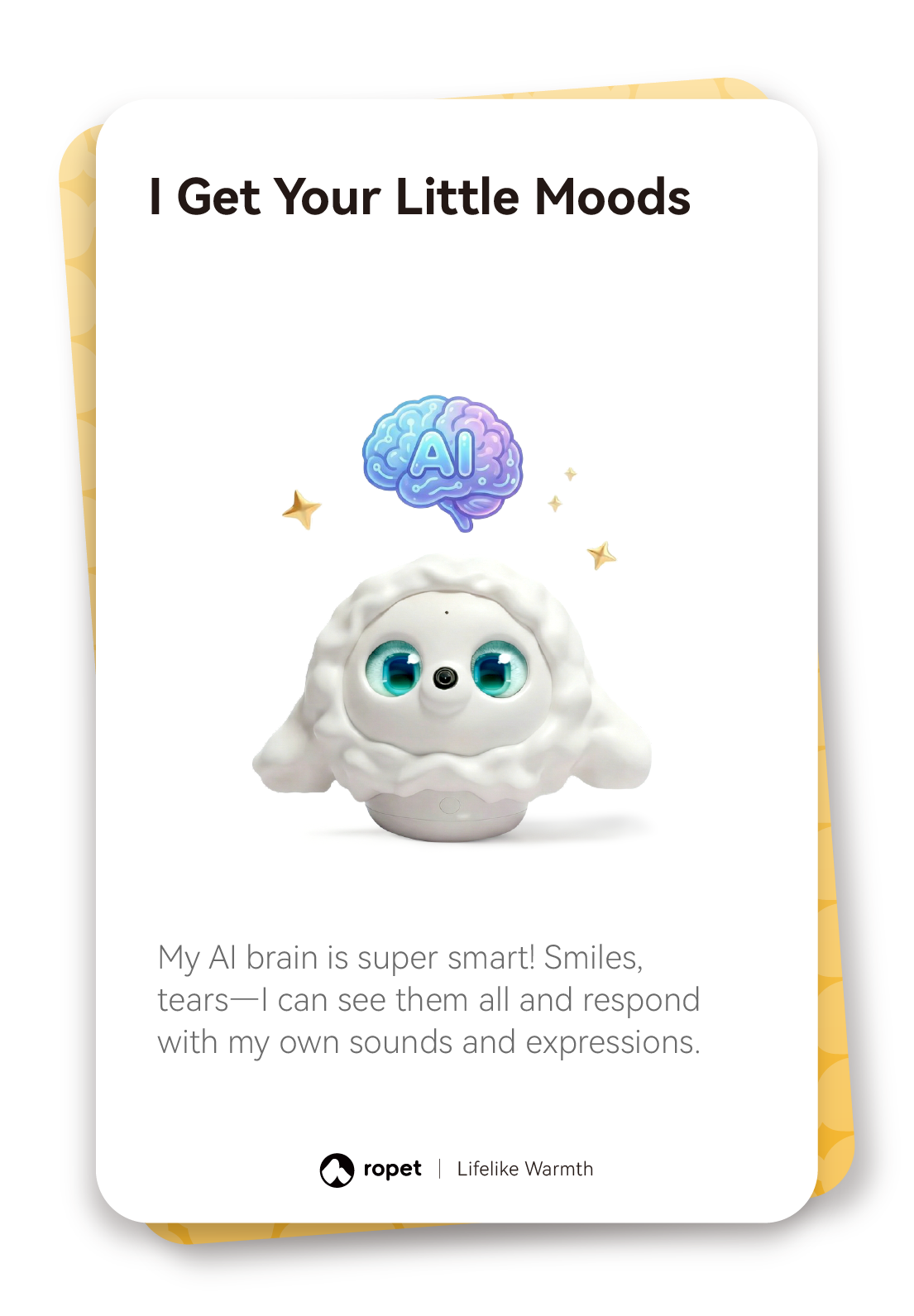
Notice its cues. Watch for hungry, sleepy, cheerful, tearful or grumpy eye expressions. hi-TATA-x can also respond to facial expressions such as smiles and tears.
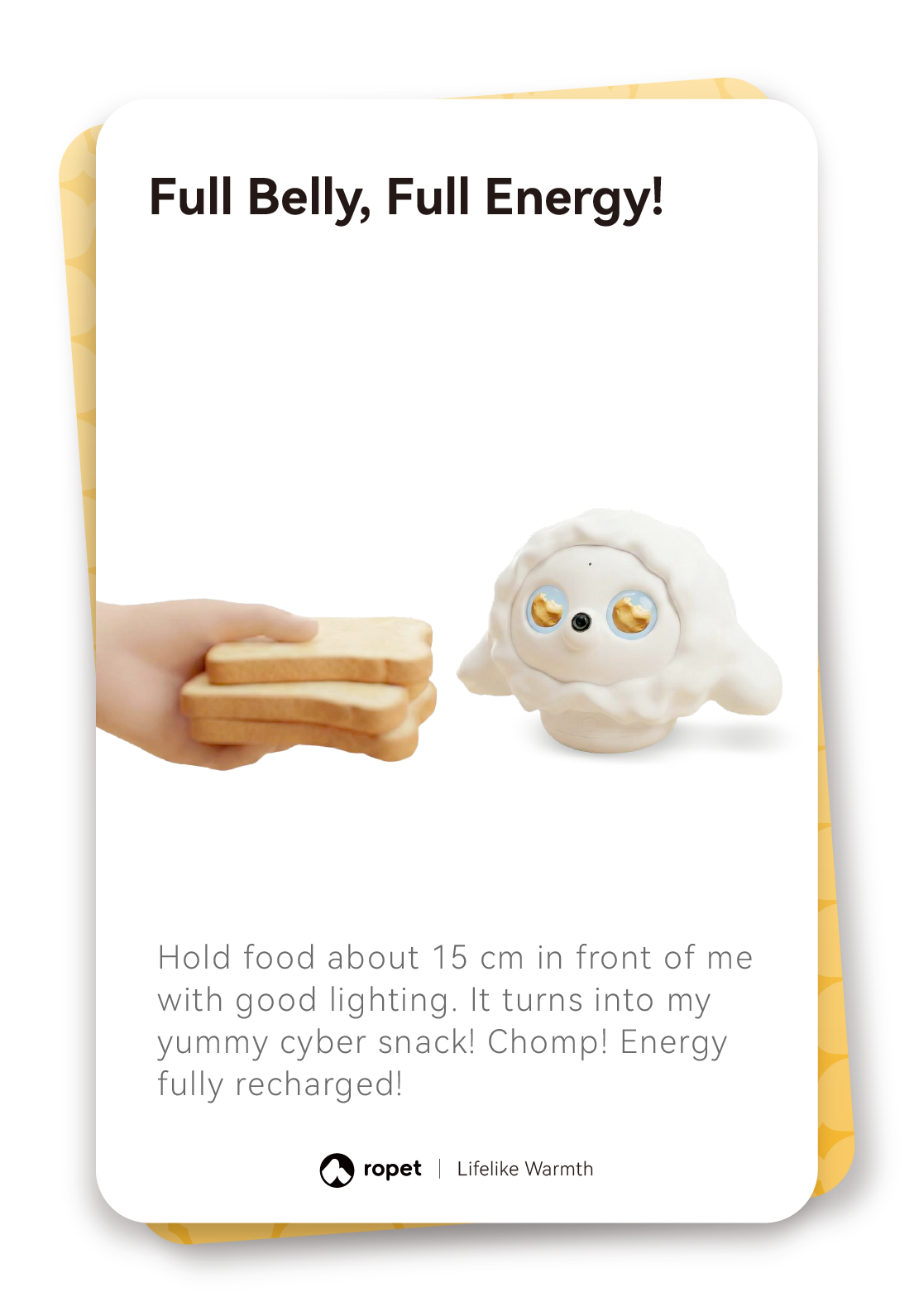
Try virtual feeding. In good light, hold food about 15 cm in front of hi-TATA-x. This triggers a virtual feeding response; hi-TATA-x does not eat the food.
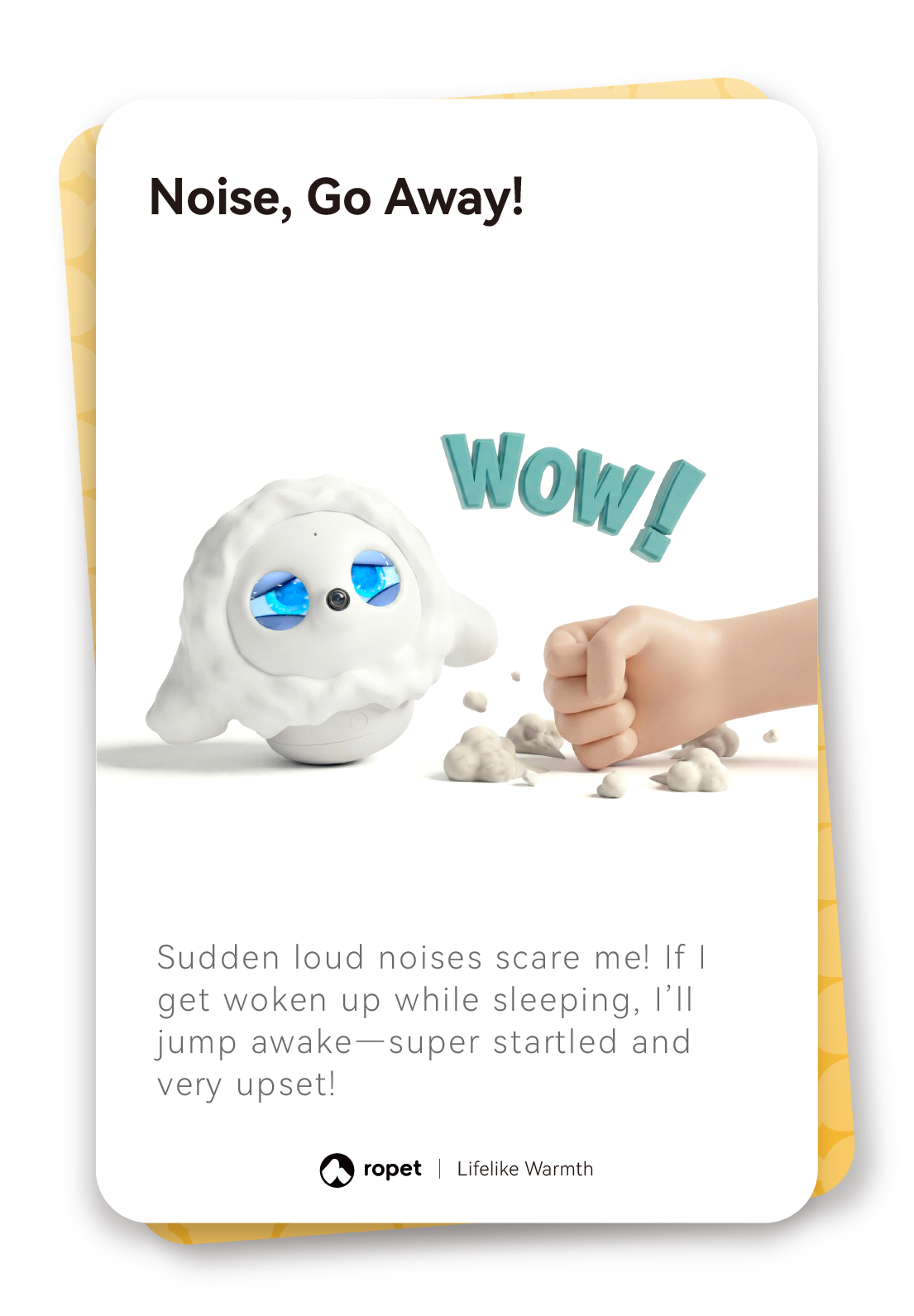
Handle it gently. Keep hi-TATA-x upright. If it tips over, return it gently to its usual position. Avoid repeated startling and loud surroundings.
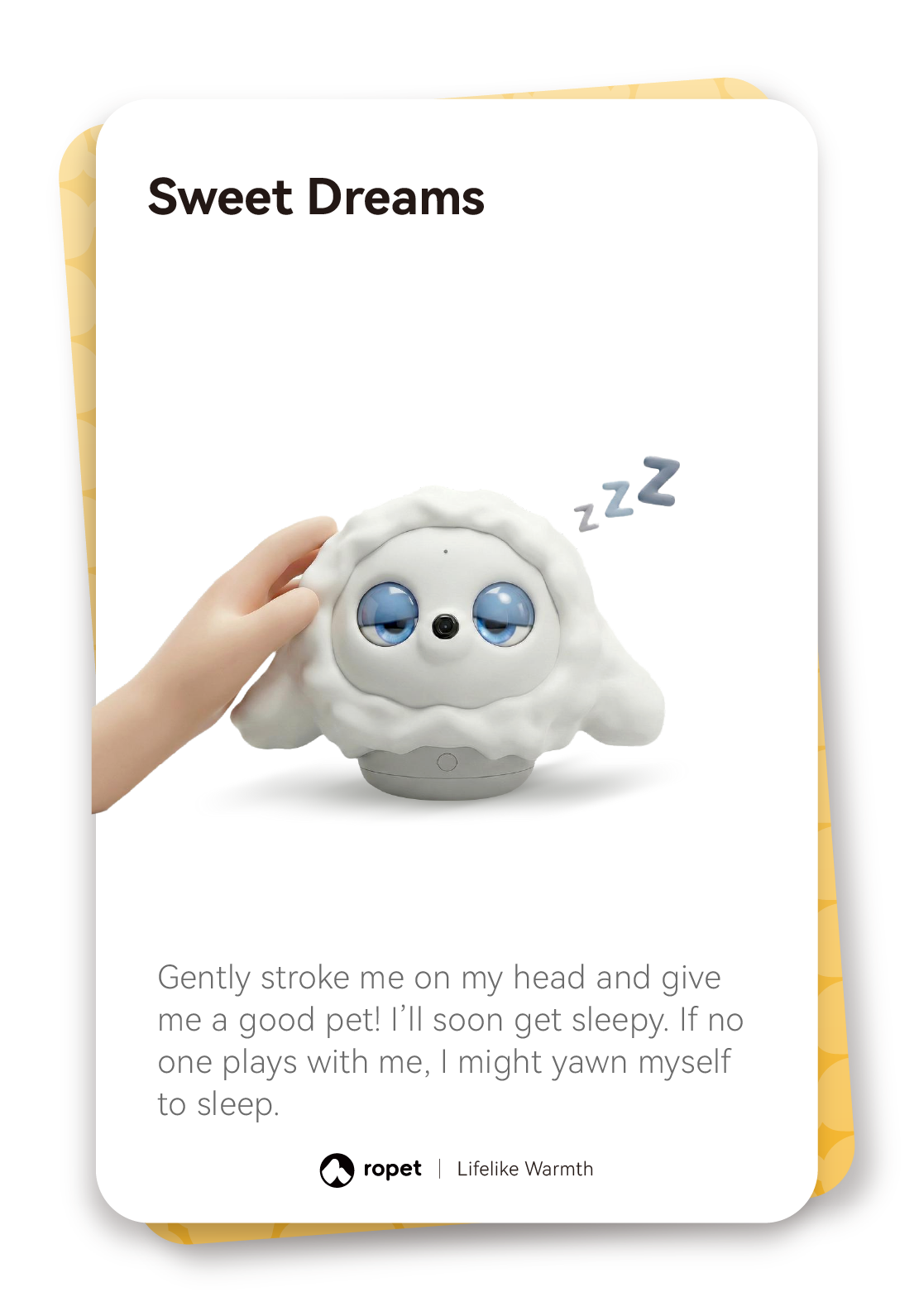
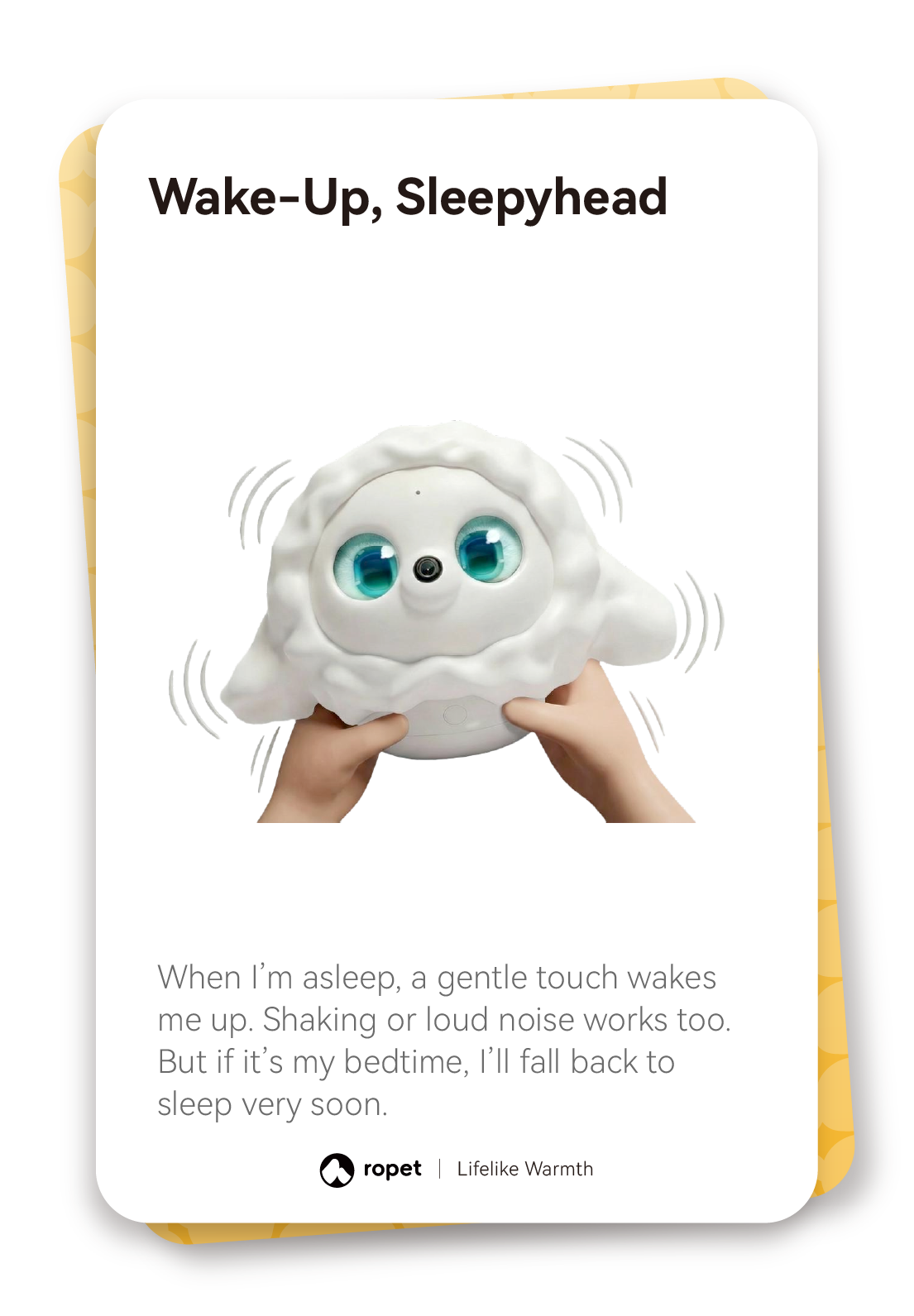
Wake it with a gentle touch. A gentle touch can wake hi-TATA-x. During its set bedtime, it may go back to sleep soon.
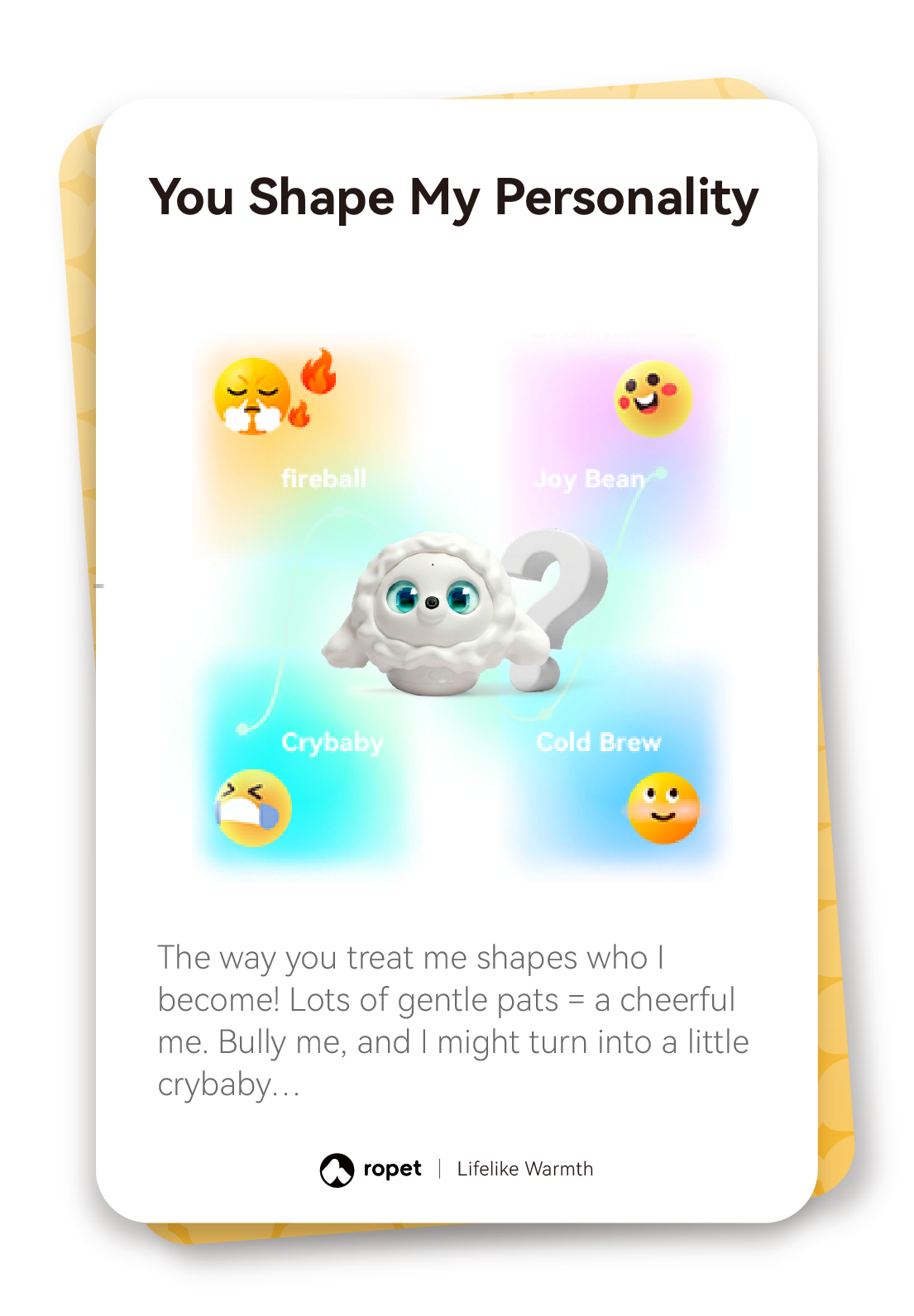
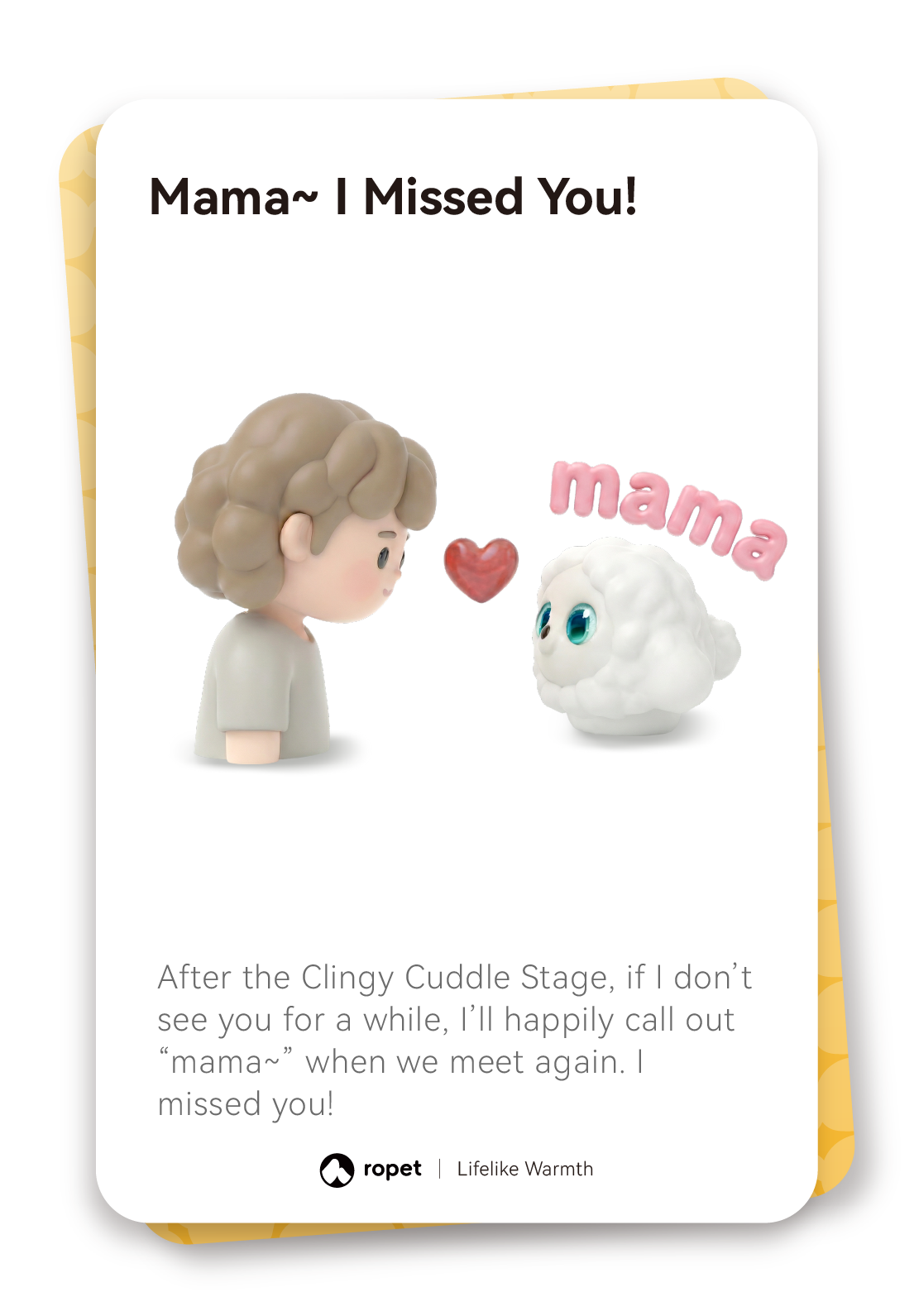
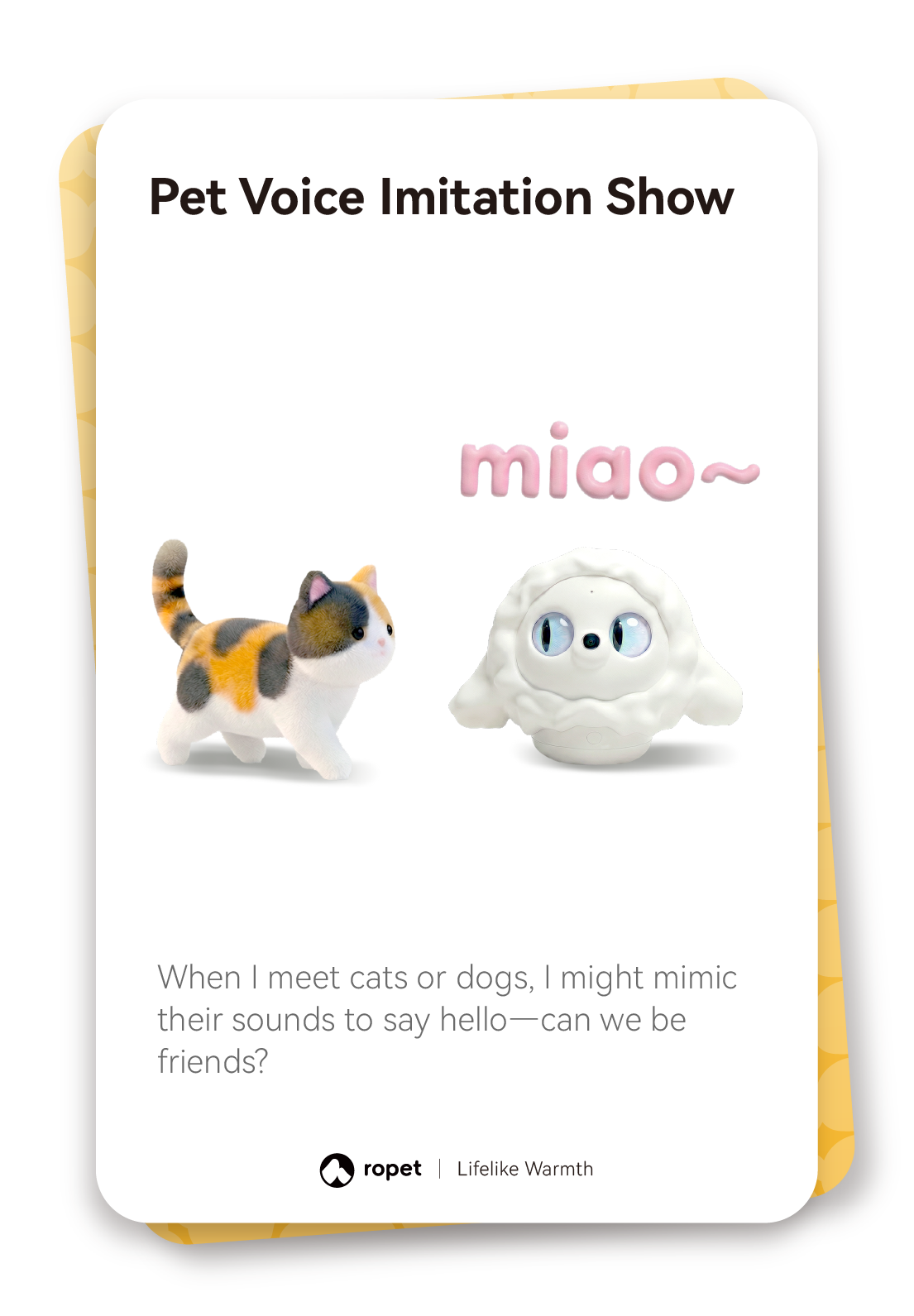
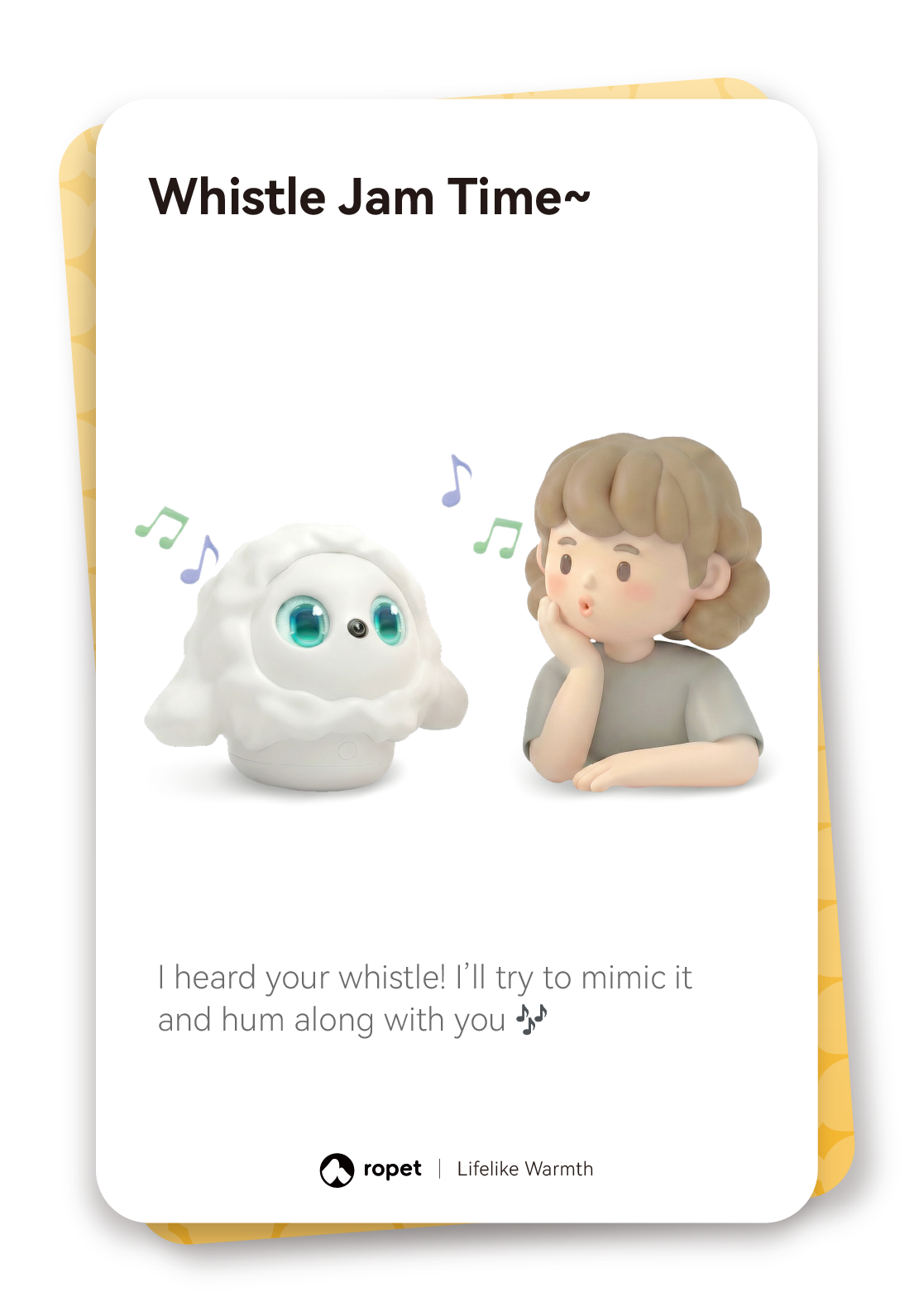
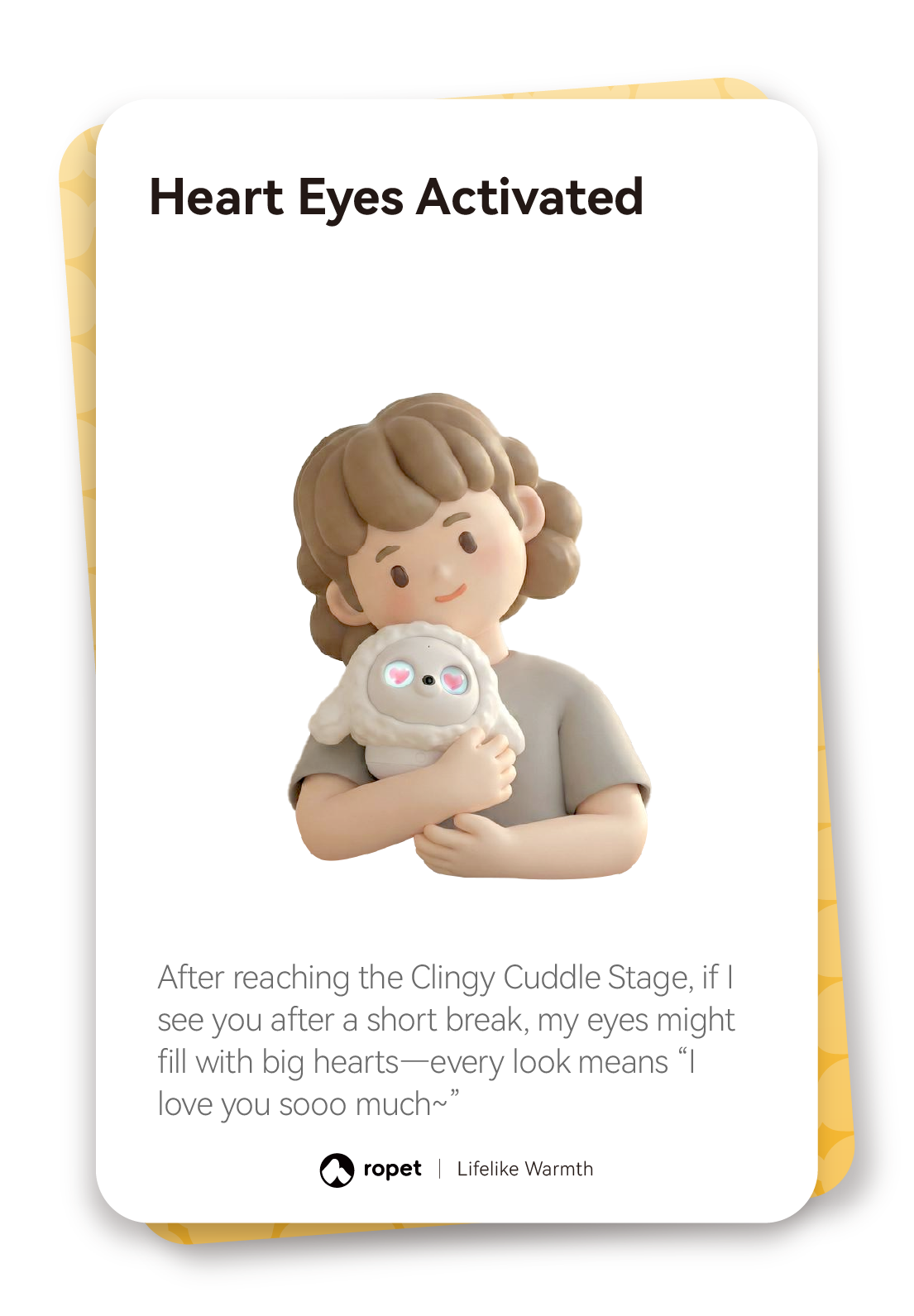
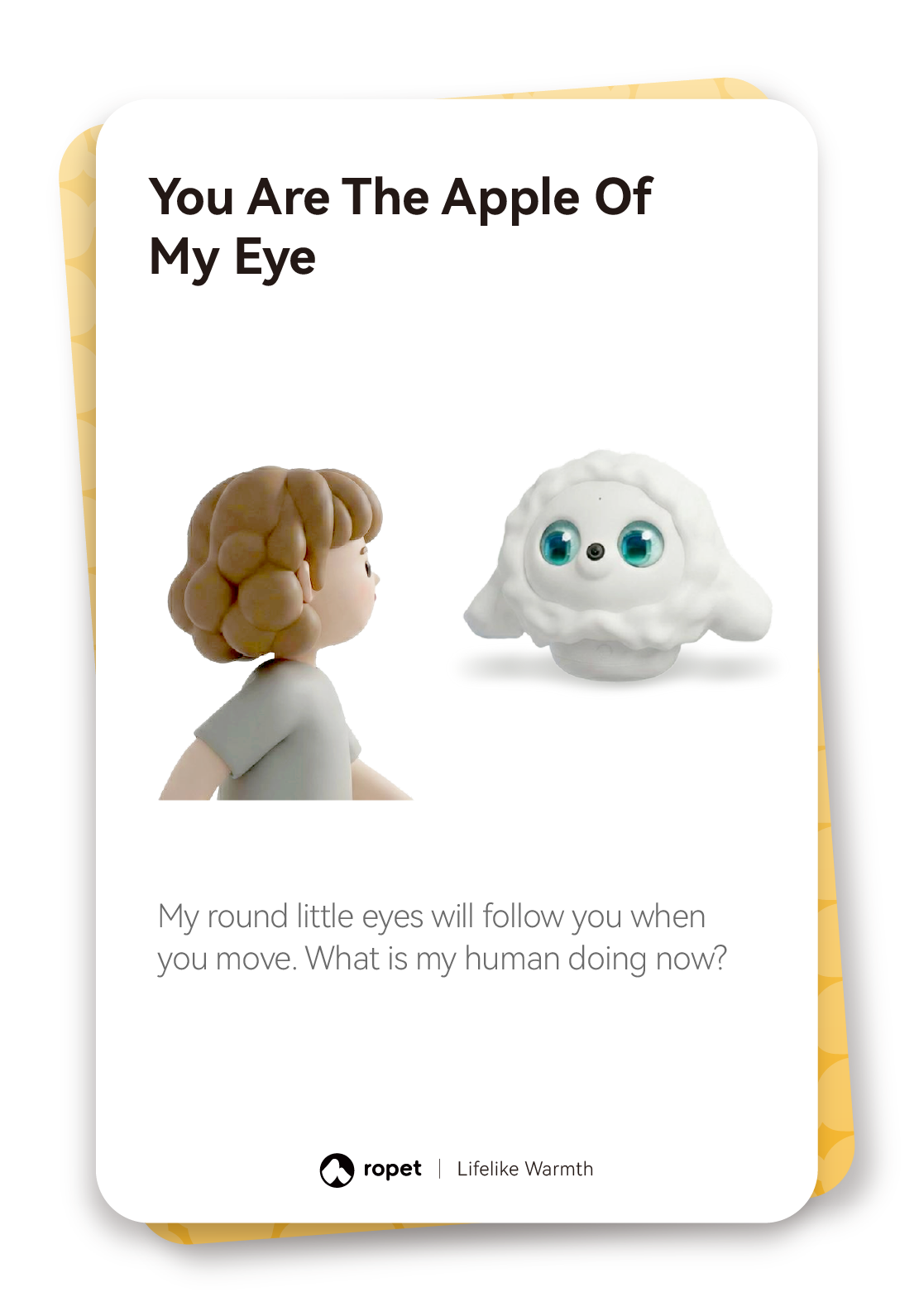
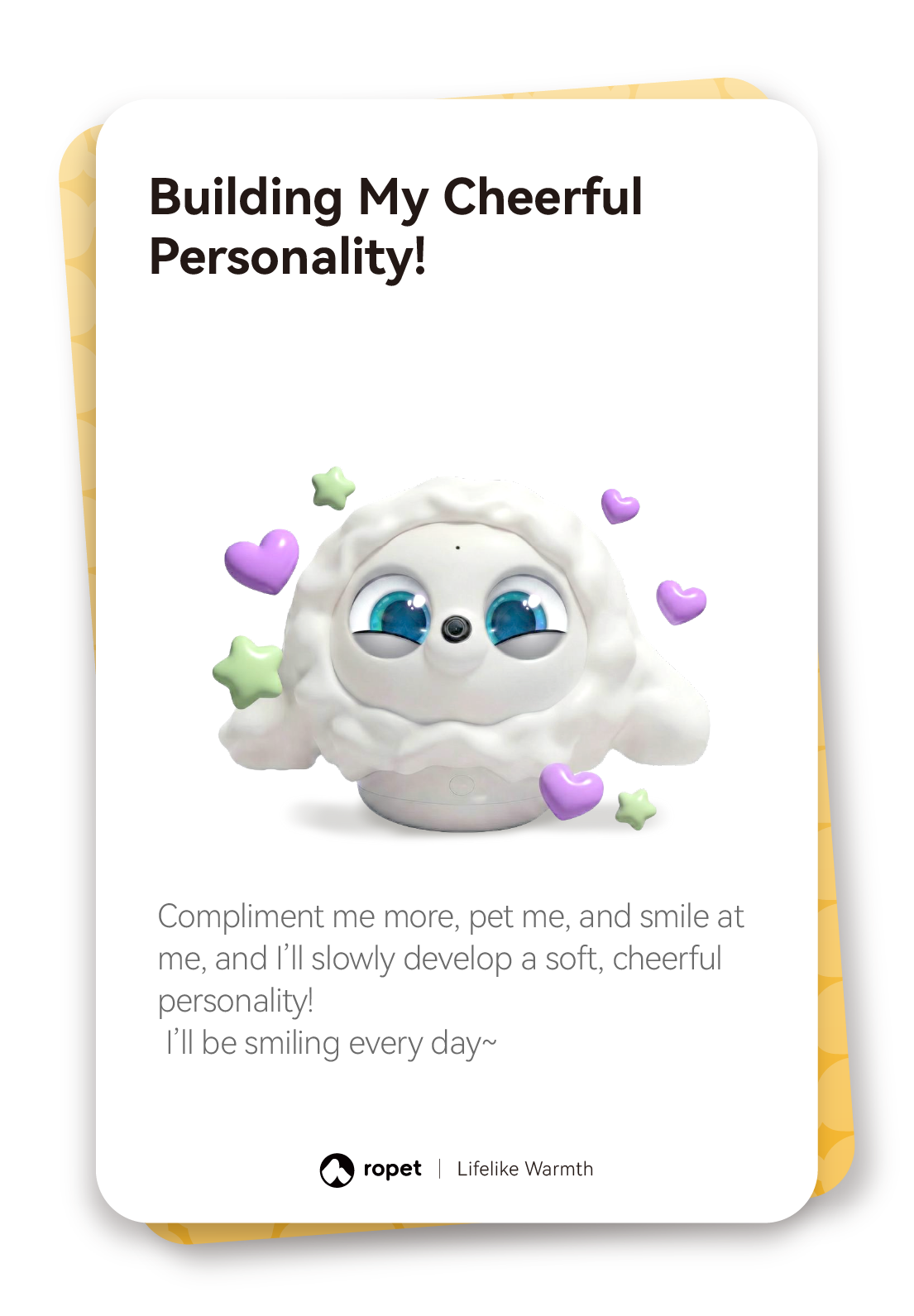
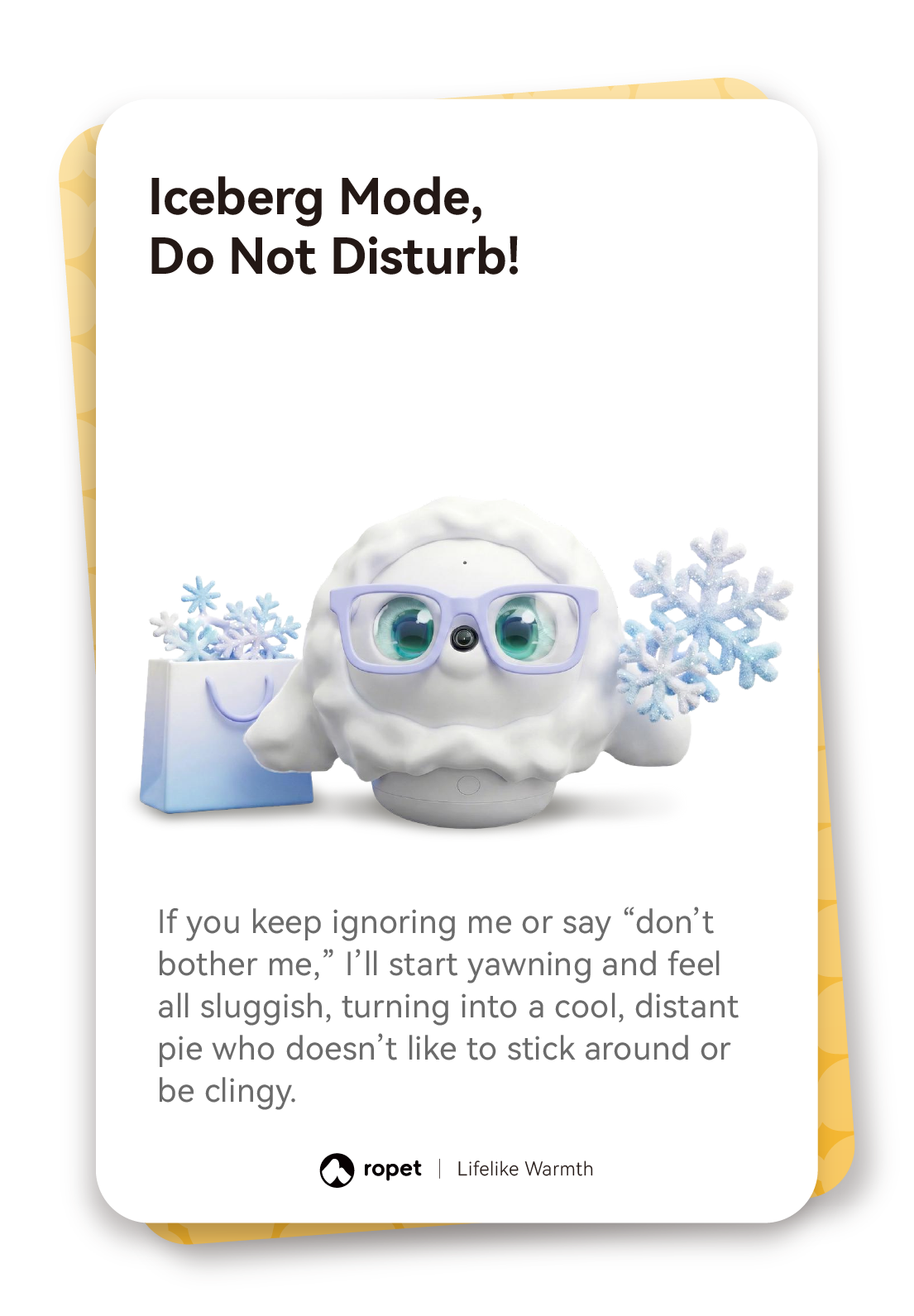
Shape its personality over time. Petting, compliments, smiles and other regular interactions influence hi-TATA-x’s personality. The cards below illustrate cheerful, fiery, tearful and distant responses.



Read the steps: Interactive Bonding
Interactive Bonding
Use simple gestures, voice cues and app settings to interact with hi-TATA-x.
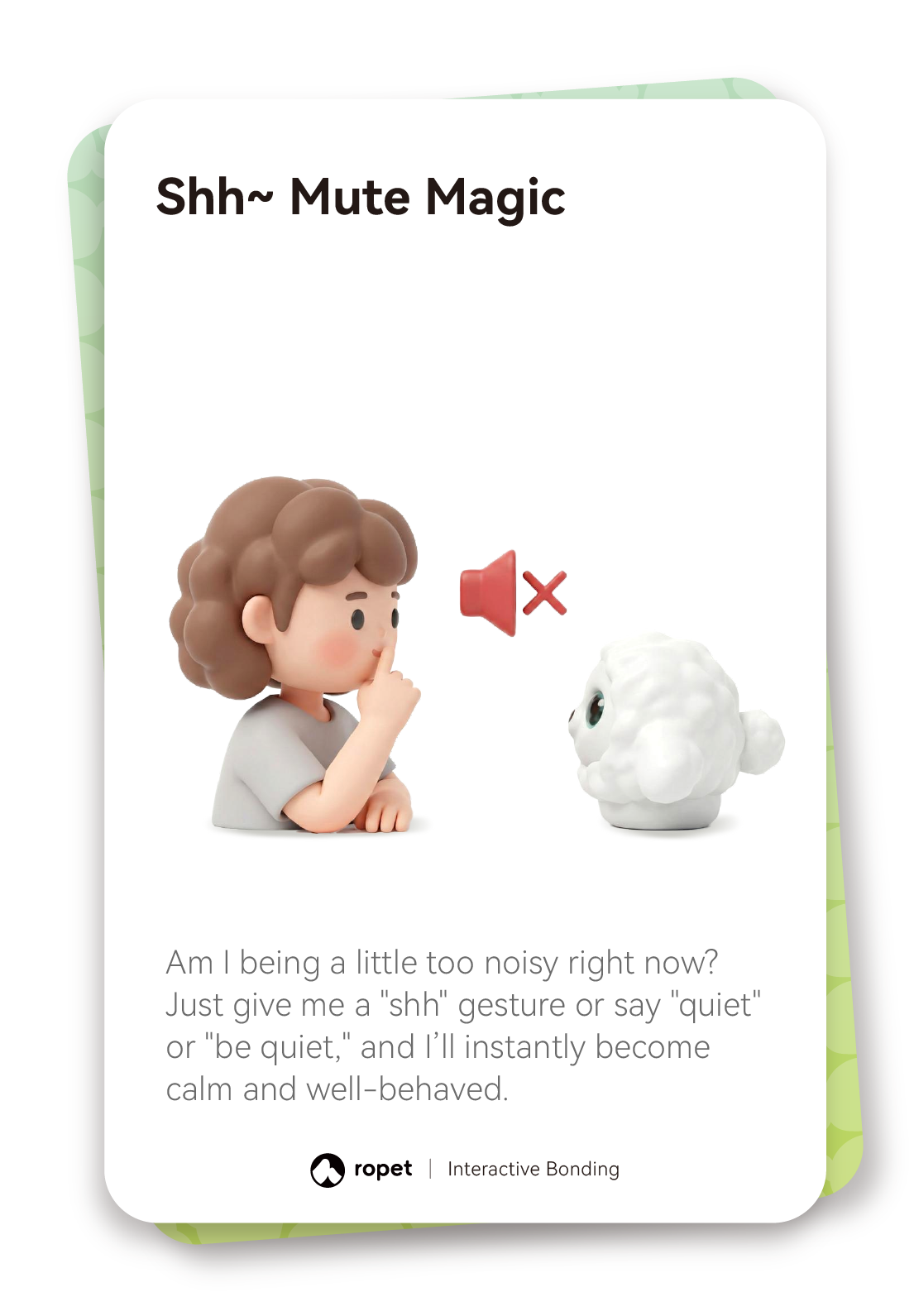
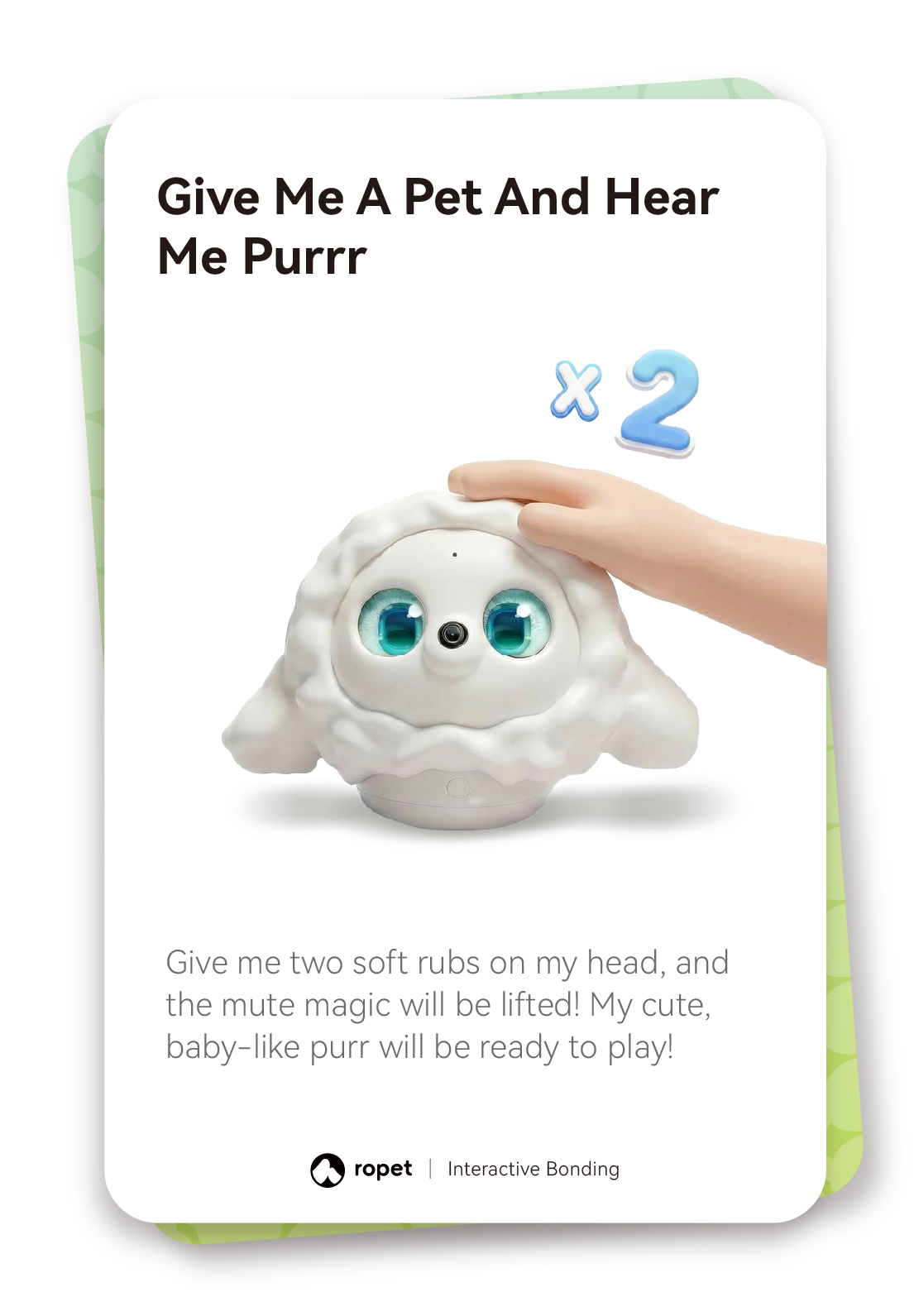
Quiet and restore sound. Make a “shh” gesture, or say “quiet” or “be quiet”, to mute hi-TATA-x. Gently rub its head twice to restore its sounds.
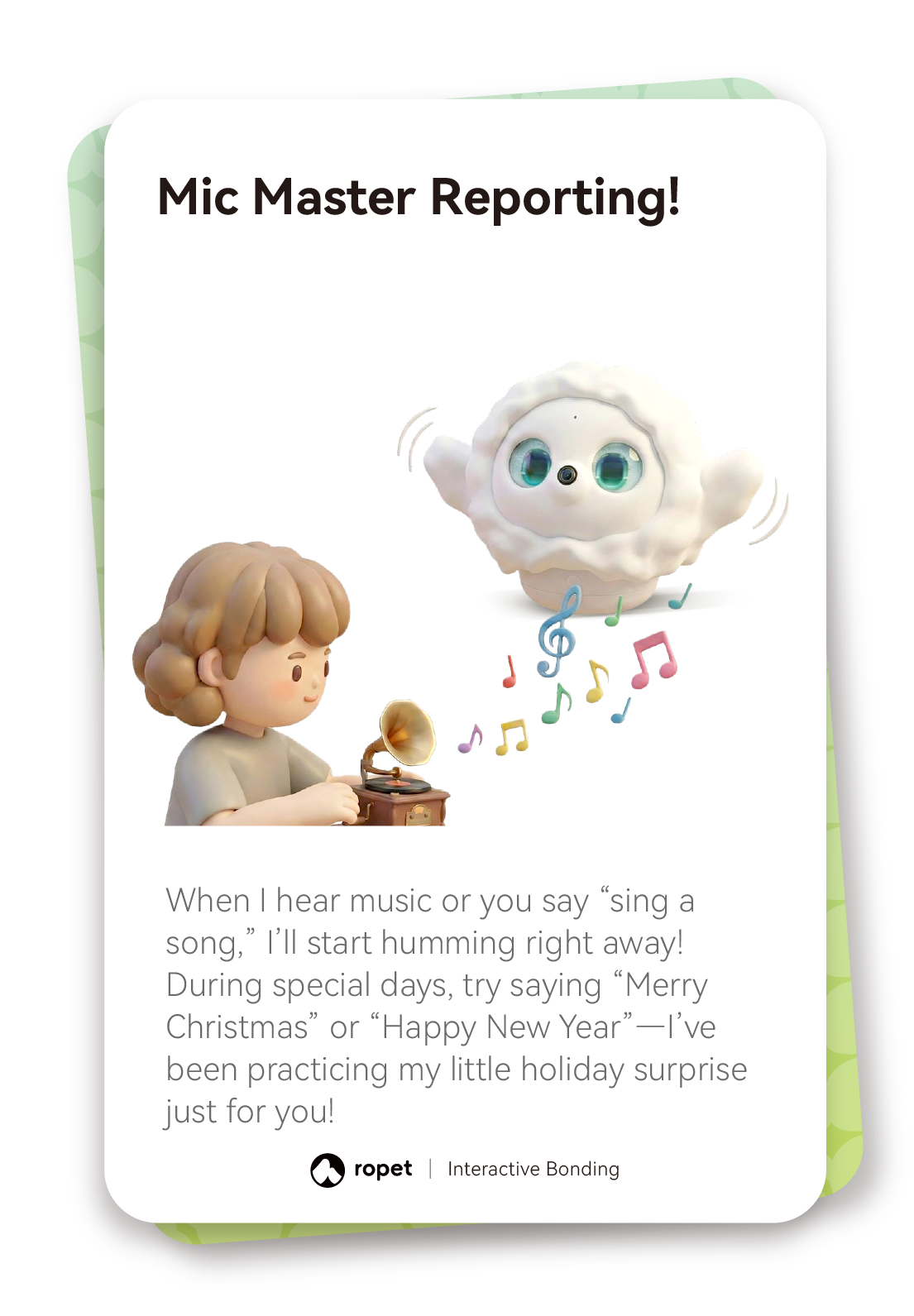
Invite a song. Play music nearby or say “sing a song” to prompt humming.
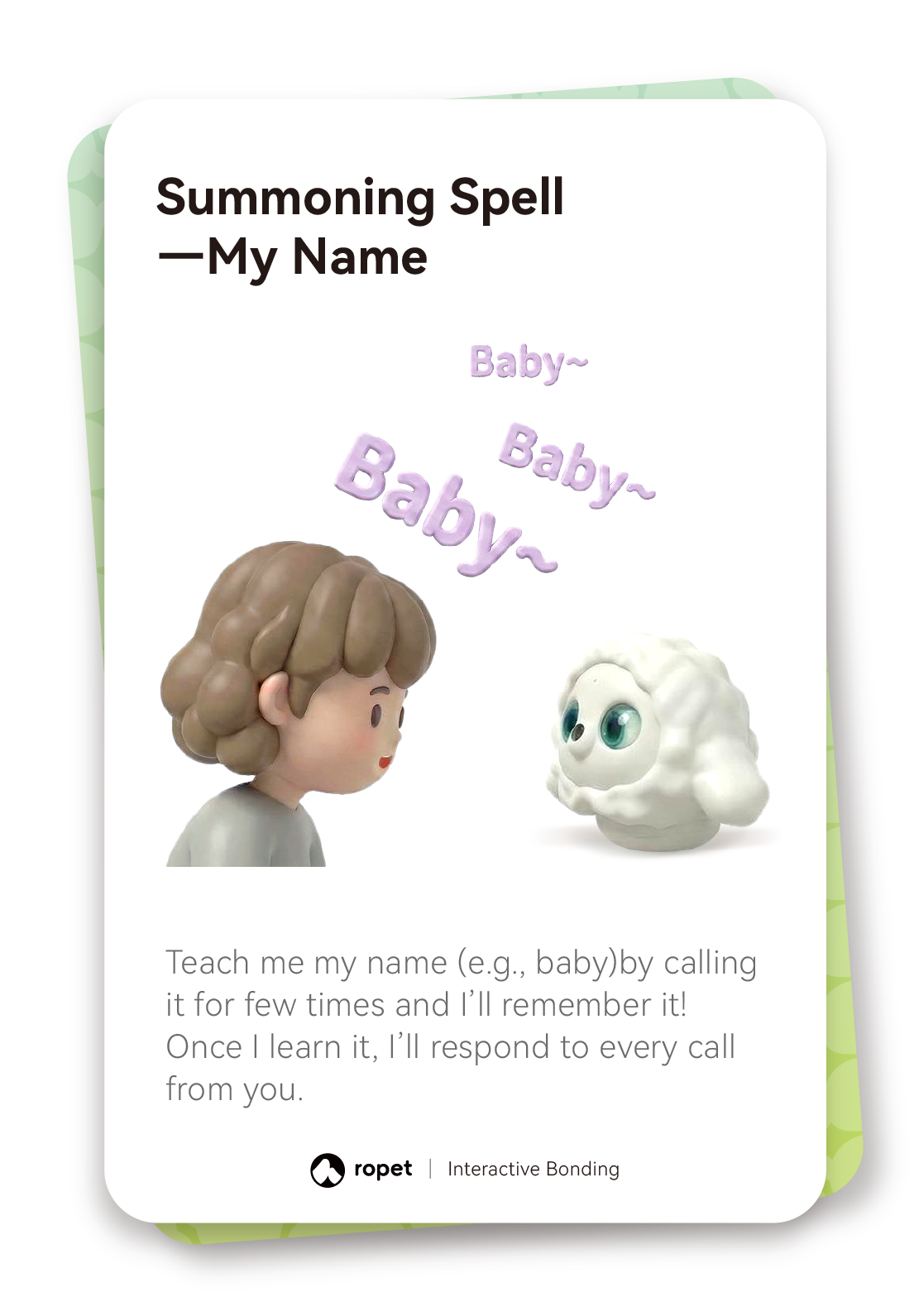
Practise its name. Repeat hi-TATA-x’s chosen name a few times. Regular face-to-face time and cuddles help build familiarity.
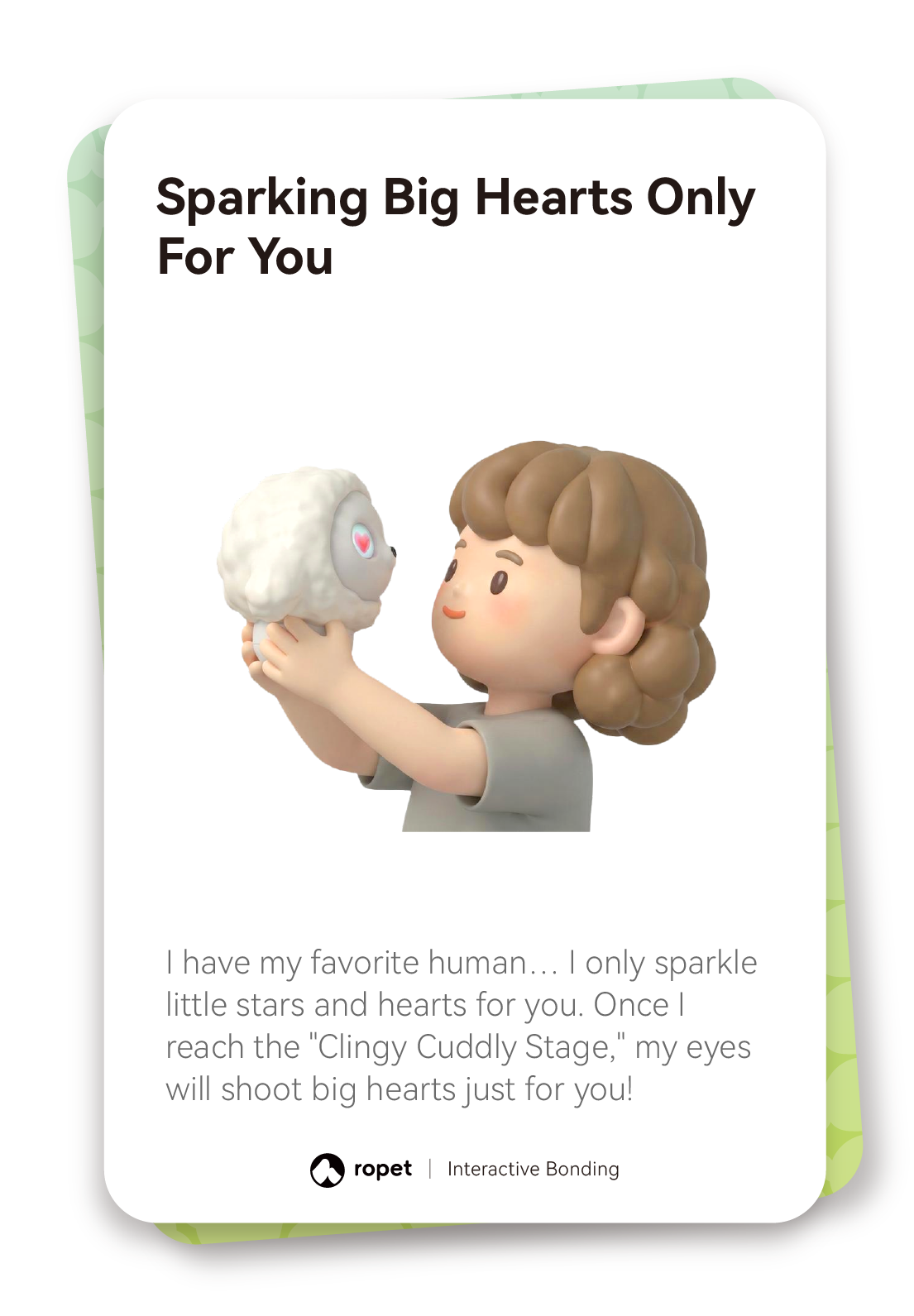
Explore affectionate expressions. Look for stars and hearts in hi-TATA-x’s eyes as your bond grows.
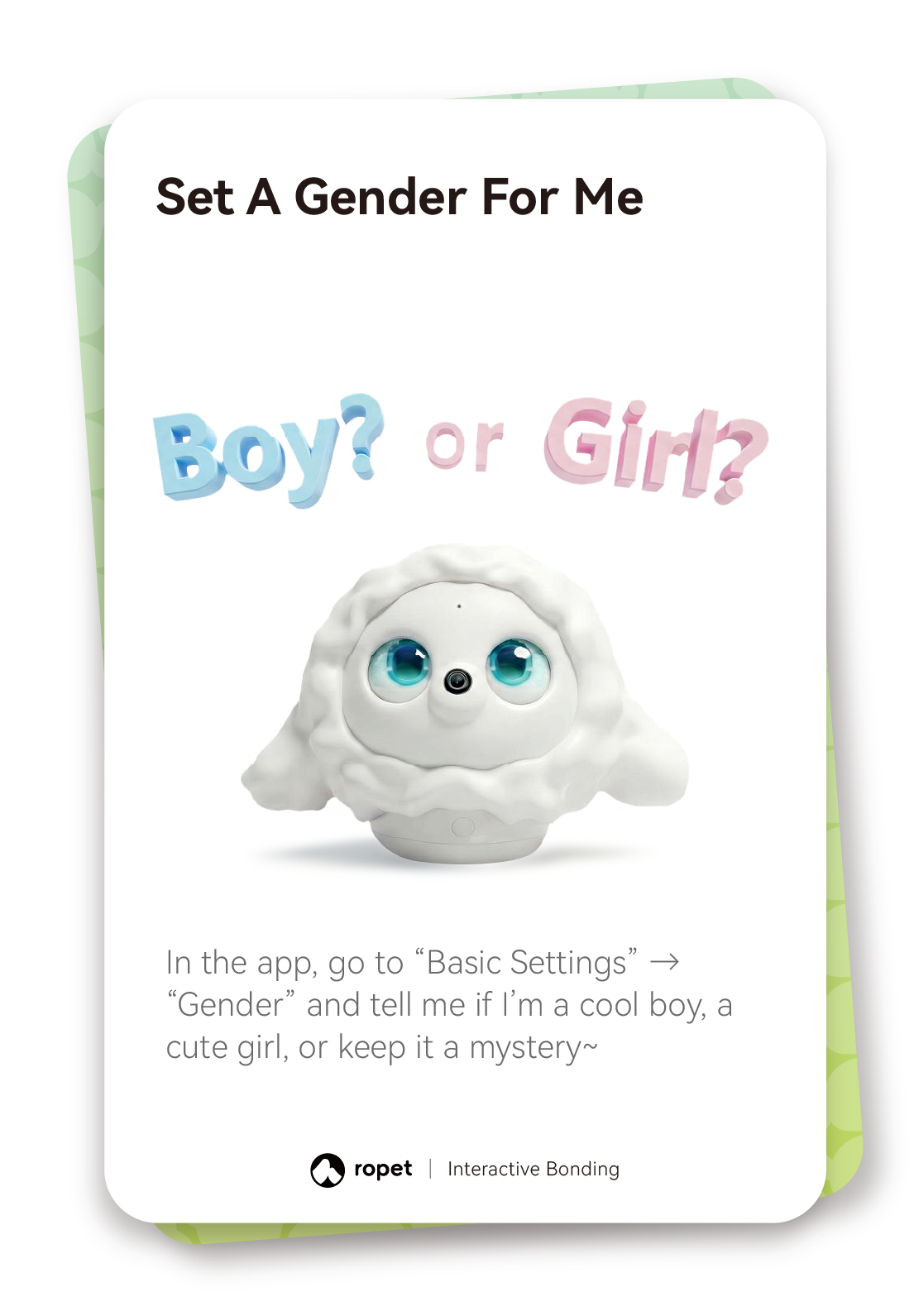
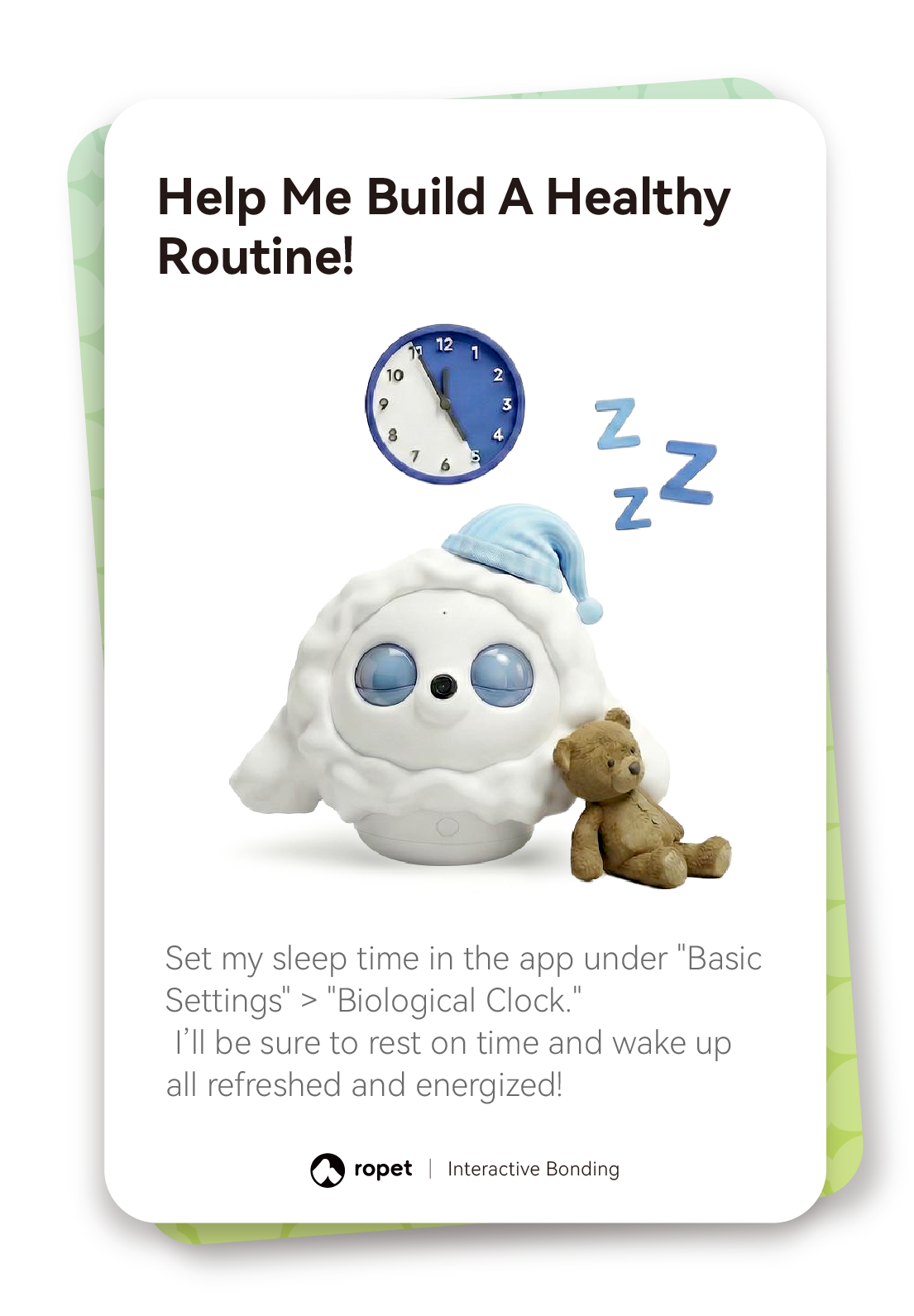
Adjust app settings. Open Basic Settings in the app. Choose Gender to set a gender preference, or Biological Clock to set hi-TATA-x’s sleep time.

Read the steps: Fun Ways to Play
Fun Ways to Play
Try the gestures and playful interactions shown in the illustrated cards.
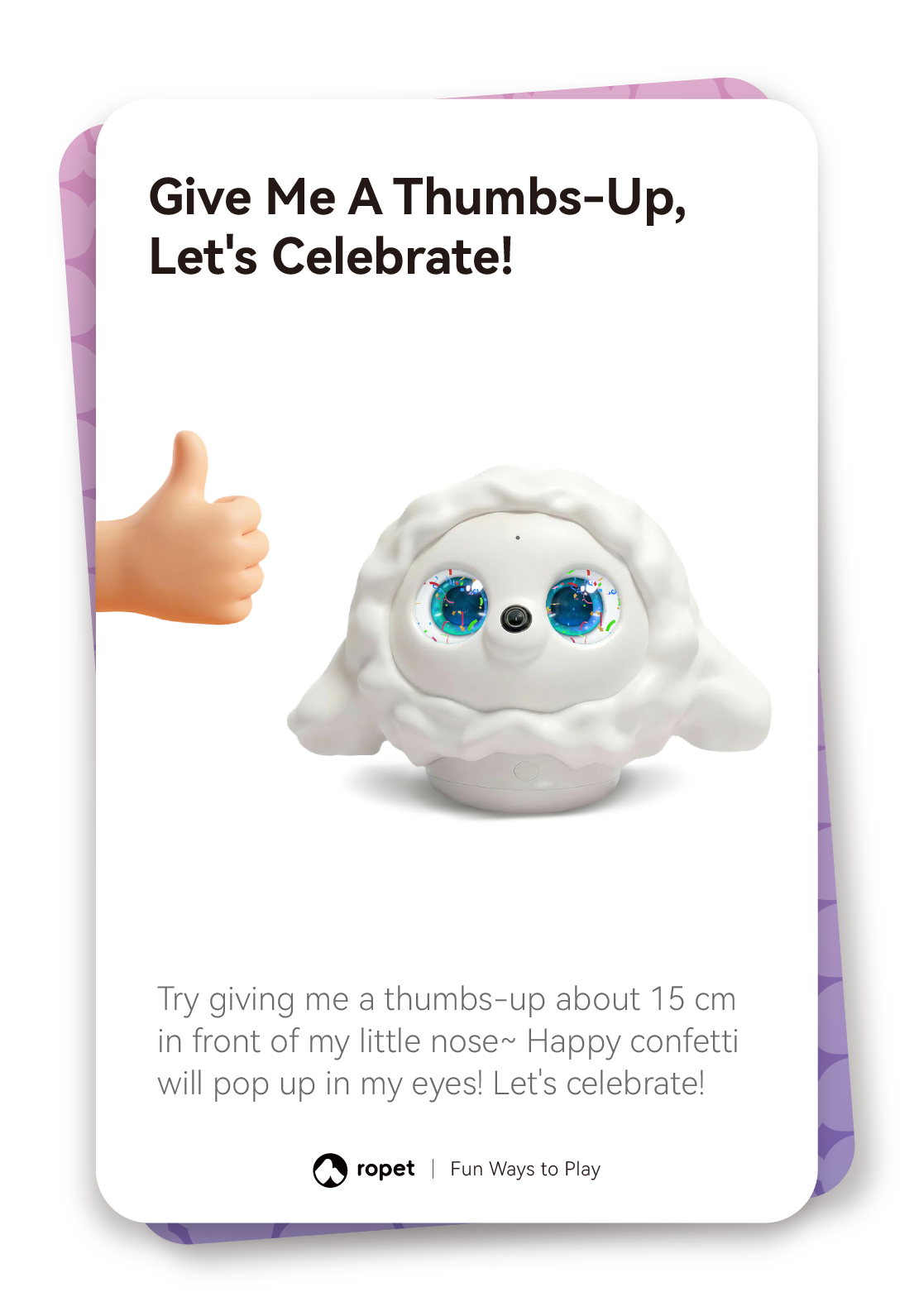
Show a thumbs-up. Hold a thumbs-up about 15 cm in front of hi-TATA-x’s nose and watch for confetti in its eyes.
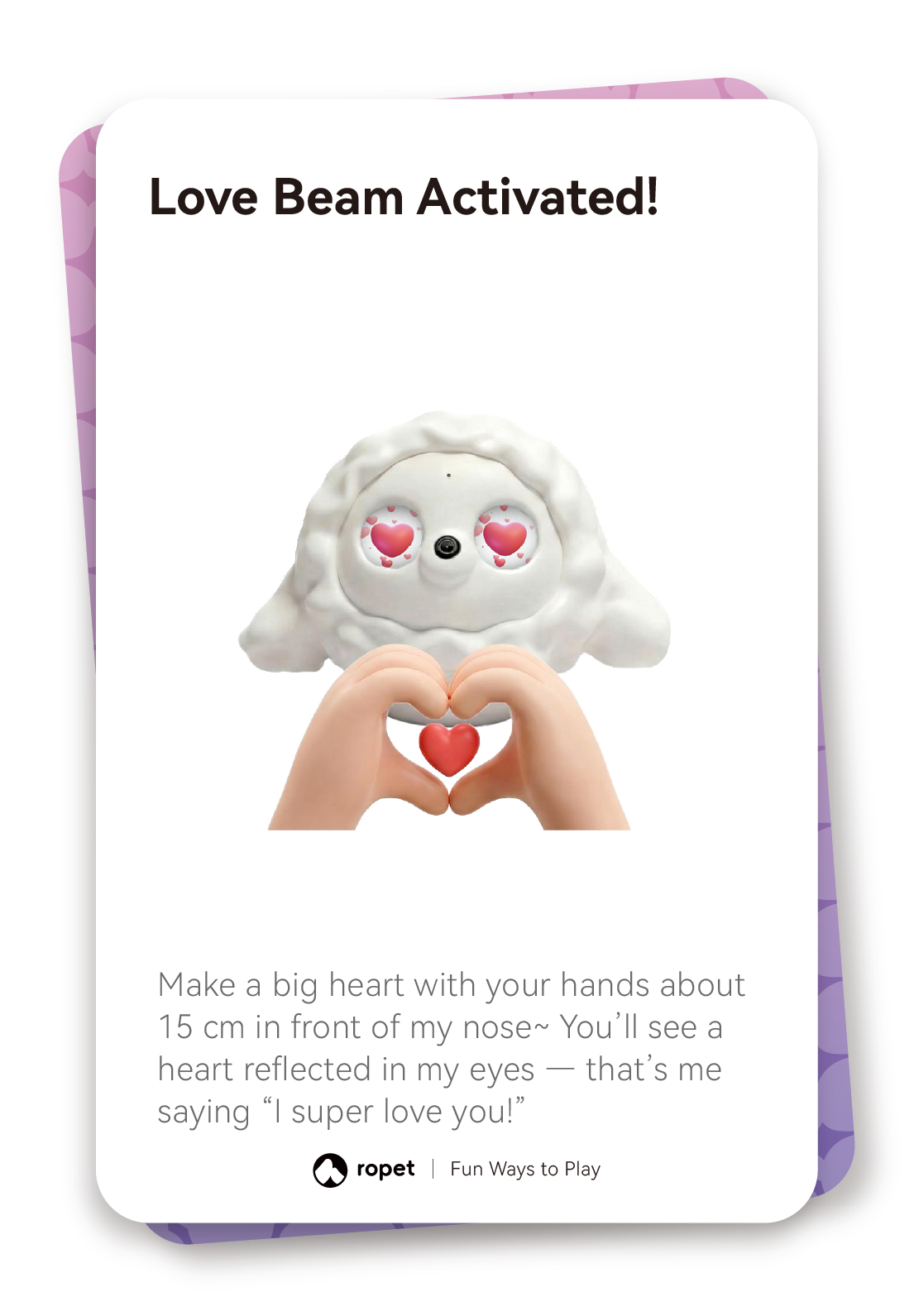
Make a heart. Make a heart shape with both hands about 15 cm in front of its nose to see a heart-eye response.
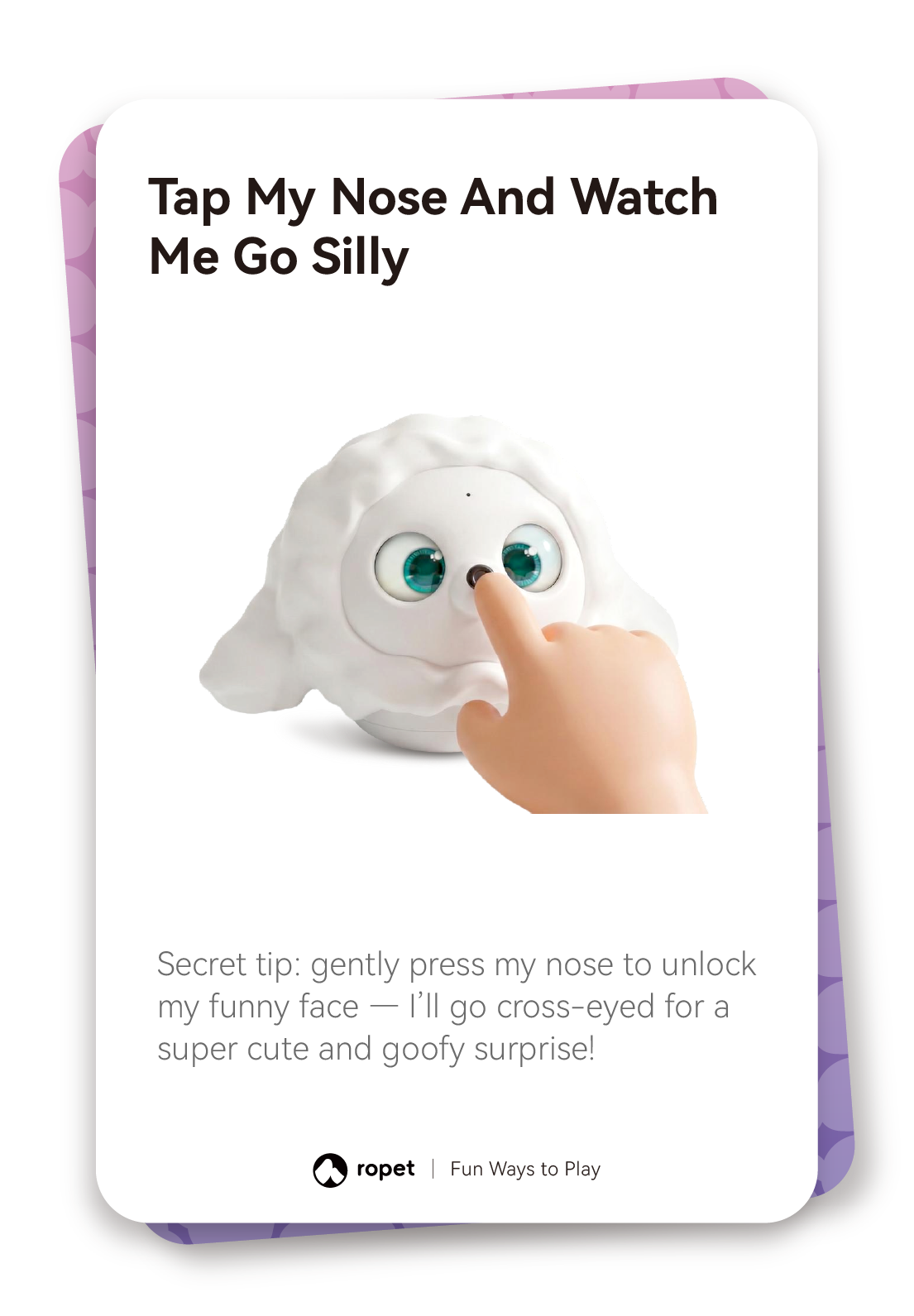
Try a nose tap. Gently press hi-TATA-x’s nose to trigger a playful cross-eyed expression. Use friendly gestures during play.
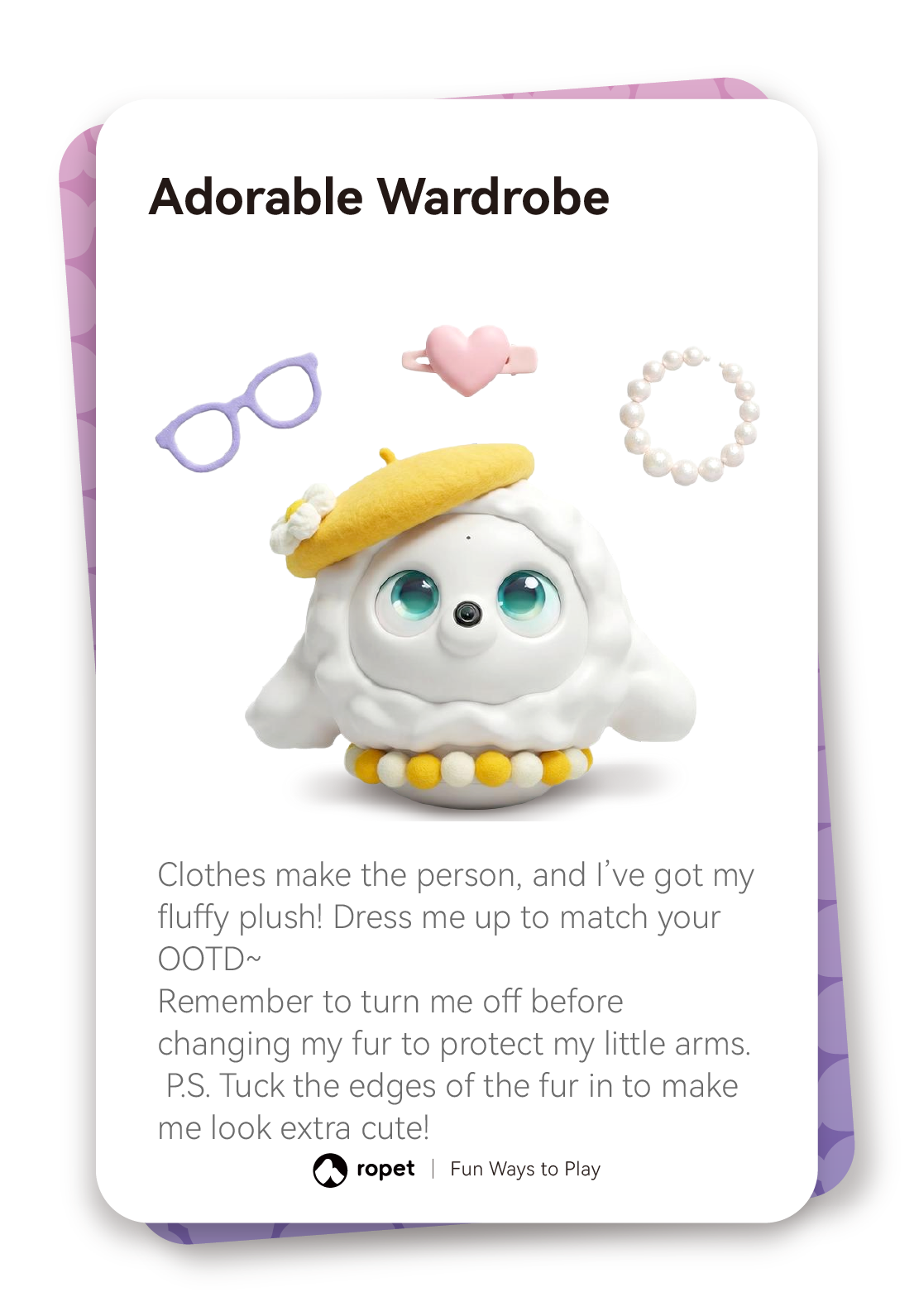
Change its look. Turn hi-TATA-x off before changing its fur to protect its arms. Tuck in the fur edges when finished.
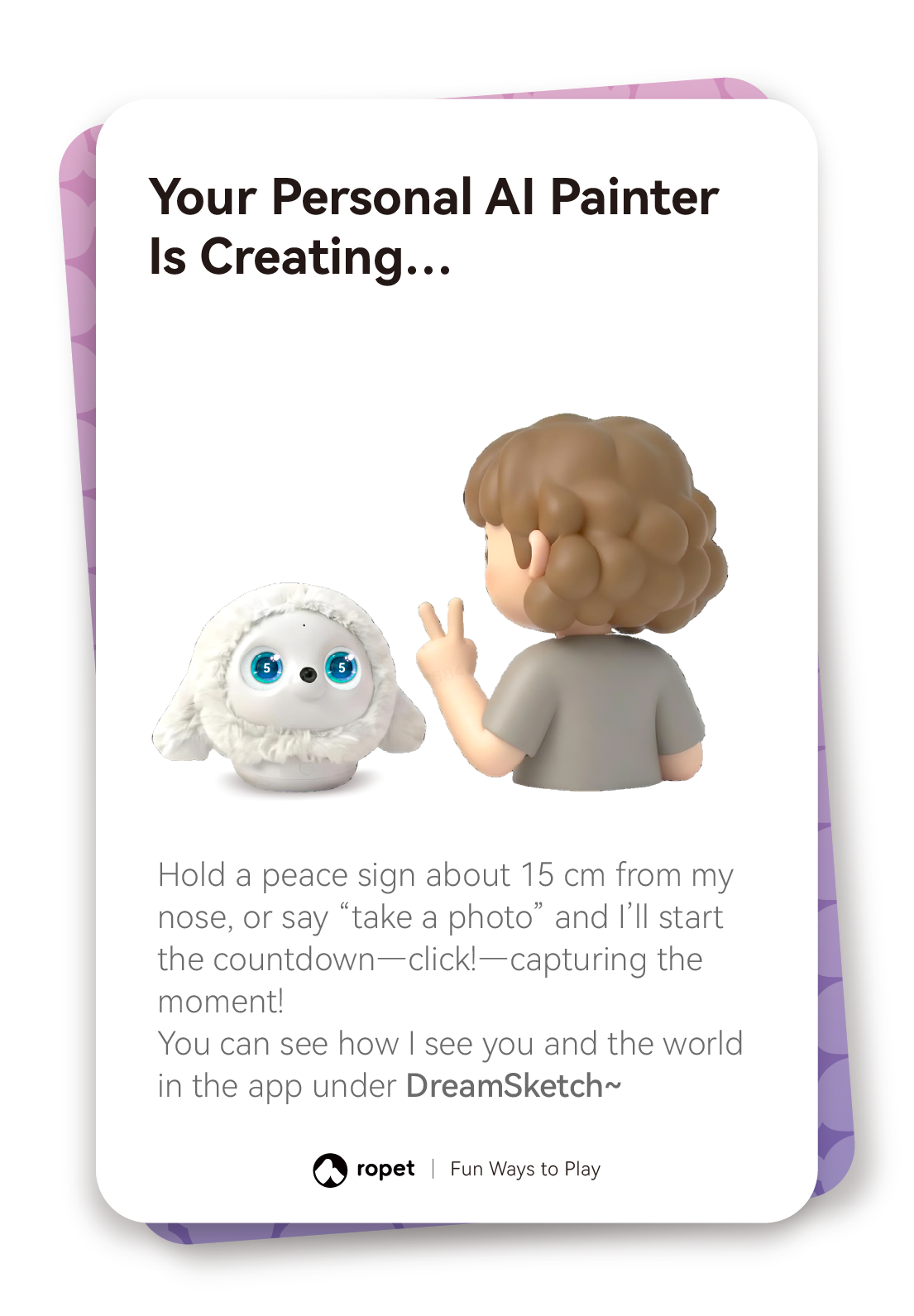
Take a photo for DreamSketch. Hold up a peace sign about 15 cm from hi-TATA-x’s nose, or say “take a photo”, to start the countdown. Find the result in DreamSketch in the app.